The app allows users to create superimposed, silhouetted, and double-exposed photos using their own images or from the Unsplash library. It provides tools for background selection, blending modes, and masking to craft unique image compositions.
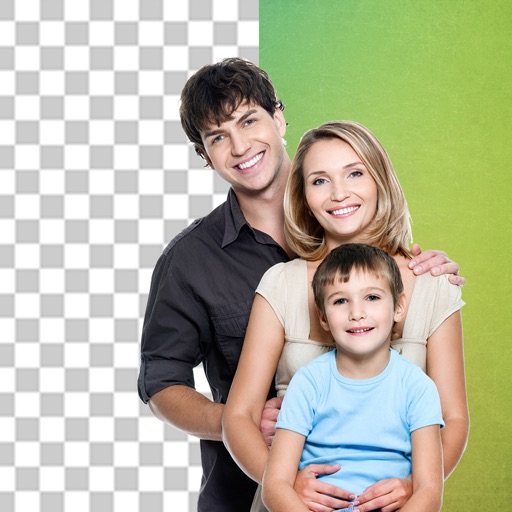
Remove backgrounds from photos using automatic eraser with machine learning. Identify and isolate people, animals, vehicles, and objects. Erase single-color backgrounds for chroma key effects. Manually adjust erased areas for precision.
Remove backgrounds from images and create transparent or colorful alternatives. Edit colors, apply filters, add borders, and include text. Save edited photos as high-quality PNG or JPEG files.
Add watermarks to photos and videos. Create and save custom templates. Adjust transparency and position. Batch process multiple files. Share final media across social platforms.
LUNAPARK MEDYA INTERNET TEKNOLOJILERI SANAYI VE TICARET ANONIM SIRKETI
Generate logos from text descriptions
Create logos by describing your vision. AI generates professional designs instantly. Customize colors, fonts, and styles. Export logos in multiple formats and share directly.
Edit photos with skin retouching, blemish removal, and dodge & burn tools. Remove stray hairs and edit hair part lines with one click. Reshape facial features and adjust body proportions using 3D bone mapping.
Photos with AI-powered enhancements, lighting fixes, and upscaling. Add filters, stickers, and text. Crop and adjust images. Export in various formats and share directly.
Add to photos with machine learning. Choose from Bokeh, Box, Motion, Crystallize, or Pixelate styles. Adjust intensity with a slider. Apply to single or multiple images.
Create collages by combining photos, adding stickers, and applying effects. Choose from multiple layouts and templates. Edit images with cropping and filters. Share finished collages directly to social media.
Remove backgrounds from photos using AI to detect and isolate objects. Change backgrounds with gradient options or custom colors. Save edited images to the photo library and share them on social media.
Edit photos with background erasing and replacement. Remove backgrounds automatically or manually using AI. Replace backgrounds with custom images, colors, gradients, or textures. Adjust and enhance images with precise editing tools.
Remove backgrounds from images using automatic or manual tools. Edit photos with removal, erasing, and recovery brushes. Save and share edited images directly.
Create -themed with customizable effects and designs. Edit photos with filters and overlays. Save and share edited images on social media. Adjust settings for high-definition output. Apply professional-grade effects for enhanced visuals.
Edit by cutting out subjects and pasting them onto chosen backgrounds. Adjust brightness, opacity, and shape. Add multiple and share creations on Instagram.