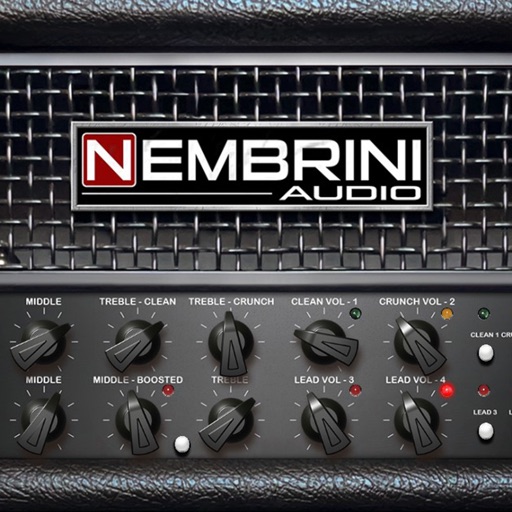
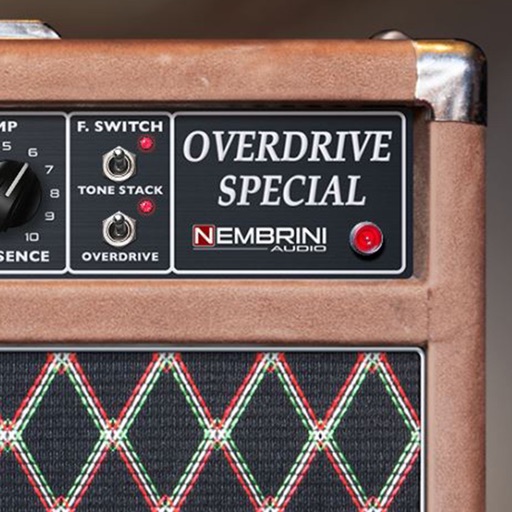
A guitar amplifier plugin that emulates a Marshall JMP1 preamplifier. Offers four channels with distinct tones: OD1 for versatile overdrive, OD2 for high-gain distortion, Clean1 and Clean2 for clear tones.
by Nembrini Audio S.r.l.★ 5.04 ratingsMusic$19.99Data updated 2026-09-06
KUPERTINO BIL. YAZ. HALIL IBRAHIM KARAHAN SAFFET ARSLAN MUSTAFA AYTEN MUHAMMET YALCIN OZDEMIR K. S.
Boost and enhance audio quality
Boost audio to enhance sound clarity and output. Adjust levels manually or automatically. Support for various audio formats. Enable loudspeaker mode for increased . Disable system limits.
Edit by splicing, mixing, and cutting. Record with wired or wireless earphones. Adjust playback speed from 0.2 to 4 times. Balance left and right channels. Export edited files.
Play music with boosting, amplification, and equalizer settings. Access local and cloud music libraries. Download tracks for offline playback. Shuffle songs and customize audio presets. Control playback from anywhere.
Apply effects with Stereo Hall and Stereo Room algorithms. Adjust parameters for spatial depth and decay. Add tube preamp color to audio signals. Insert plugin directly into tracks for real-time processing.
Manage presets by editing, organizing, and restoring them to the cloud. Audition and download tones from a community library. Control amplifier settings wirelessly for real-time sound adjustments. Backup presets to the cloud and sync across devices.
Play -based rhythm games in multiplayer mode against real players. Customize your band with guitars and musicians. Progress through stages and arenas. Unlock famous songs and compete for top rankings.
Apply effect to audio tracks with adjustable depth, speed, and waveform settings. Add tube preamp coloration for warmth. Insert as a standalone plugin or within a DAW. Control parameters via user interface or MIDI.
Plugin emulates overdrive pedals with customizable tube preamp circuits. Users can adjust gain, tone, and output levels. Apply distortion effects to audio tracks. Save and recall preset configurations.
Apply high pass and low pass filters to remove low-end rumble and high-frequency noise. Adjust filter settings for precise control. Add a tube preamp for signal coloring. Use as a -style plugin for audio processing.
Adjust audio with customizable amplification presets. Enhance music playback within preferred apps for improved quality. Assess hearing accuracy using headphone-based tests via iPhone speakers.
Generate pure tones, frequencies, and waveforms for and headphone testing. Customize frequency ranges and noise types. Perform audio quality tests and analyze sound output. Save and share test results.
Play FLAC and other audio files with lossless sound quality. Stream or download songs from NAS or cloud storage. Organize into categories and create custom playlists. Adjust equalizer and bass booster settings.
Control CODE Series amplifier settings via Bluetooth LE. Save and access presets on any device through the Cloud. Share presets with others or publish to the CODE community. Search and play online presets directly within the .