Access product information and tools for /R professionals. View real-time order status. Use a duct calculator to determine size, material, and specifications. Link online account to manage prices, add items to cart, and check inventory.
™ lets users input airflow, velocity, or friction to determine size. Calculate pressure drop and flow rate. Input dimensions for custom shapes. Export results and save calculations.
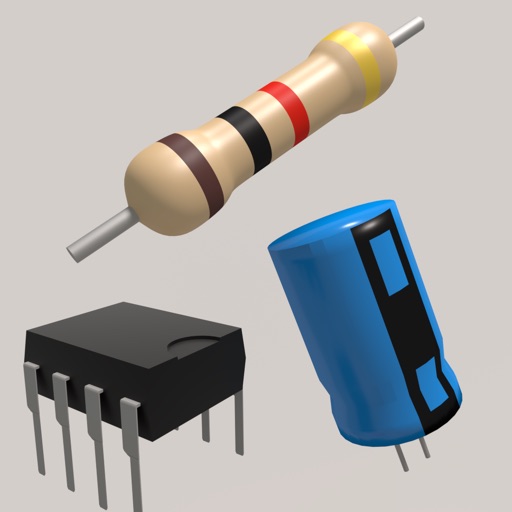
Toolkit provides resistor calculations based on color codes or SMD values. It includes an LED resistor calculator and parallel resistor tools. Users can reference electronic components and formulas for design and troubleshooting.
Calculate values using resistor color codes, voltage, current, and resistance formulas. Perform impedance and RLC circuit analysis. Input values to get accurate results for engineering, wiring, and circuit design tasks.
Enhancing security convenience and energy efficiency.
The app connects smart home systems including security, HVAC, and lighting. It enhances home security, convenience, and energy efficiency through smart technology and customer service.
Calculate size for round or rectangular ductwork. Adjust airflow, diameter, width, or height using sliders. Enter values directly for precise measurements. Lock friction calculations for accurate results.
Performs X, Y, R radius calculations and theta measurements. It includes -specific functions for ducting offsets and angle computations. Features dimensional math, geometry, and trigonometry tools for precise construction calculations.
Access electrical wiring diagrams for switches, fans, and outlets. Calculate grounding conductor sizes. View diagrams for 3-way switches, 4-way switching, GFCI, and more. Includes NEC 2014 to NEC 2023 standards.
Calculate fluid rates and pressure loss in pipes. Determine diameter or maximum length based on rate and pressure drop. Find friction loss and rate using built-in formulas. Input dimensions and fluid properties for accurate results.
Calculate arc dimensions including radius, length, width, height, apothem, angle, and area. Input any two values to derive the rest. Useful for carpenters, architects, and engineers. Supports complex mathematical calculations.
Perform complex calculations with support for hexadecimal, octal, and binary. Use RPN mode and multi-line display. Access unit conversions, constants, and scientific notation. View a paper tape and use multiple undo/redo functions.
Sheet Metal allows users to generate patterns for cones and other complex shapes. Input dimensions and material properties to calculate angles and layout dimensions. Export results for fabrication use.
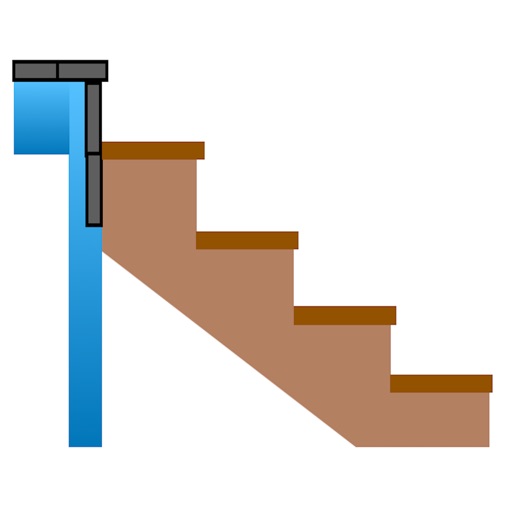
Calculate risers, run, angle, length, step height, tread depth, and number of steps. Adjust parameters for customization. Switch between Imperial and Metric units. Email or text results as needed.