Browse recent arrivals and promotions. Place orders and complete checkout. Add items to a waitlist for restock notifications. Receive email updates on order status and shipping.
Control TV remotely via Wi-Fi by connecting iOS device and TV. Mirror screen to display videos, photos, music, web pages, PDFs, and drawings. Cast content without extra hardware or delay. Adjust volume and navigate menus directly from device.
Control TV with iPhone or iPad by connecting to the same network. Automatically detect TV and navigate menus, adjust volume, and change channels using on-screen buttons. Support for features like power control and input selection.
Control TV with functions like power, access, and volume. Cast photos, videos, and music from device storage or web. Navigate with touch pad and switch between dark and light modes.
Streaming devices via Wi-Fi network with swipe-based touch controls. Launch favorite apps instantly. Simplified text input with integrated keyboard for quick searches. Manage device connections and settings remotely.
Remote control allows users to manage home appliances from anywhere. Simultaneously control multiple devices through a single interface. Set timers to automate functions. Share devices with family members with one tap.
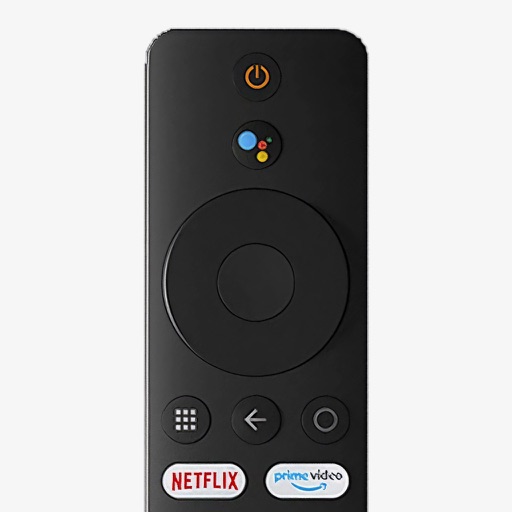
Control your Mi Box with full remote functions including volume, power, and navigation. Manage apps by opening, closing, and switching them from your phone. Use voice search to find content and control playback.