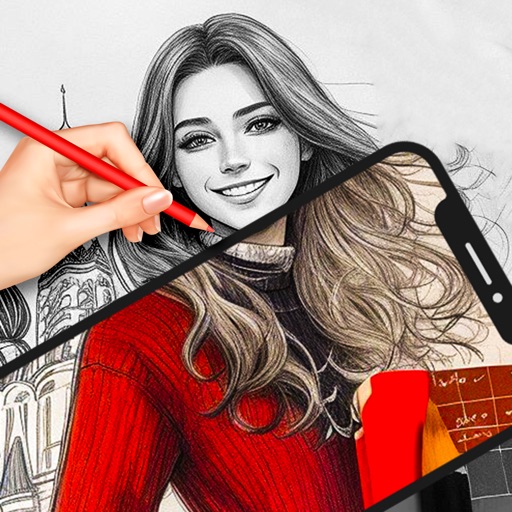
Create daily drawings through guided challenges with specific prompts. Receive instant feedback on artwork. Track XP, maintain streaks, and compare rankings on leaderboards. Features a clean interface optimized for artists.
Import local images from your gallery or camera roll. Use multiple brush tools to doodle, annotate, or hide information. Create mosaic effects and save or share the edited images.
The app provides tools for drawing, coloring, and editing pictures. Users can create digital sketches, add text, and use realistic brushes for various effects.
Create using a drawing interface with customizable brushes and pencils. Import and animate vector graphics. Export frames as images or video. Add sound effects and background music. Share directly to social media or email.
Create and edit digital paintings using pencil tools, brushes, and smudge features. Fill areas with color, add text, and draw shapes like lines and circles.
The app provides vector drawing tools including lines, shapes, and freehand drawing with vectorization. Users can edit object attributes, use snapping functions, and manage drawings across multiple layers and an object library.