Draw with a brush that adjusts width based on finger movement speed. Create Japanese calligraphy or watercolor paintings. Select or capture background images. Save or export drawings to other apps.
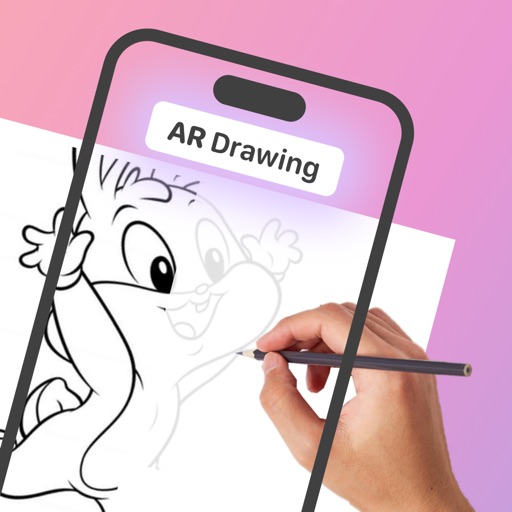
Use the to project real-time grids and guidelines for precise . Adjust grid size, opacity, and angle. Import sketches or paintings for reference. Save and export artwork in various formats. Sync drawings across devices.
Create digital art using tools like paper, brushes, pencils, pens, and markers. Adjust brush pressure and opacity. Layer artwork and apply textures. Export in various formats and share directly.
Create digital art with layers, brushes, and customizable palettes. Import images and vector graphics. Save and export in various formats. Access tutorials and community features. No ads during use. One-time purchase for permanent access.
And on your Apple Watch with customizable brush sizes and blur radius settings. Access a large color palette and save or undo changes. Delete drawings as needed.
Arthur Eduardo Skaetta Alvarez Desenvolvimento de Software LTDA.
Convert photos to sketches
Convert photos into various styles like , colored, painting, and comic. Adjust brush thickness for customization. Save high-resolution sketches for sharing or printing.
Create flipbook animations using touch drawing and various brush colors. Edit frames with undo/redo, eraser, and fill tools. Adjust animation speed and manage frames. Save animations and upload to a website. Post comments on published animations.
Create drawings step by step using pre-designed templates on various themes. Select and customize colors, add text, and save or share completed artwork. Access tutorials and instructional guides to drawing techniques.