Create and manage digital documents by scanning paper into PDF. Draw signatures on documents, sign PDFs, and edit images. Share signed files directly or save for later. Organize and store documents digitally to reduce physical clutter.
Scan documents, receipts, and images using the camera or photo library. Convert images to PDF instantly. Edit scans with tools to crop, rotate, enhance, and adjust brightness and contrast. Organize files within the .
Edit PDFs by modifying text, images, and signatures. Merge files and convert to other document formats. Save and share edited documents directly. Use AI-powered tools for precise edits. Export in high-resolution or printable formats.
The app edits metadata for audio and video files, supporting batch operations and numerous formats. It can download album covers and lyrics from the internet to complete metadata automatically.
Edit PDFs with annotation tools and on-device OCR. Scan and convert documents to PDF. Create and share editable projects with layers and annotations. Generate QR codes. Summarize text using AI. Work offline without cloud upload.
Record using system or external microphone. Pause recordings as needed. Save files in MP3 format with constant or variable bitrate encoding. No professional skills required for use.
Create, open, and edit Word, RTF, HTML, and ODT files. Convert documents between formats. Share files via email or other apps. Import files from mail or other apps. Support multiple document types and editing functions.
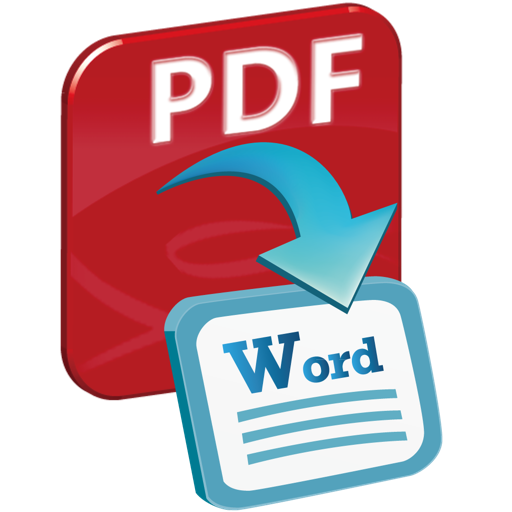
The app converts PDF files into Word documents and text files. Users can preview files, select specific pages, and convert multiple files at once while preserving original layouts and content.
The app converts text into spoken words using over 20 voices. It allows users to load text from files and export audio in various formats like MP3 and WAV.
The app opens, reads, prints, and converts WordPerfect documents on Mac without Corel WordPerfect. It allows users to view multiple documents in tabs, search text, extract images, and export files to PDF and image formats.
The app copies and sorts files into tree structure folders based on creation or modification dates. It handles any file type and includes automatic overwriting protection for files with the same name.
Edit text with formatting options, style customization, and document structure tools. Import and export files in multiple formats. Collaborate with others through shared document editing.