Perform complex calculations with trigonometric, statistical, and combinatorial functions. Define and evaluate custom equations. Graph mathematical expressions and explore multiple variables. Save and reuse calculations for future use.
Solve equations with addition, subtraction, multiplication, and division. View step-by-step working to understand solutions. Handle mixed and partial fractions. Convert between decimals and fractions. Find factors of numbers or common factors.
Perform calculations with feet, inches, and fractional inches. Add, subtract, multiply, divide, and compute roots or powers. Scale drawings using the scaling feature. Convert and manage measurements directly within the .
The app performs calculations in feet, inches, and fractional inches. It includes modules for material estimates, conversions, area and volume calculations, trigonometry, and stairwells.
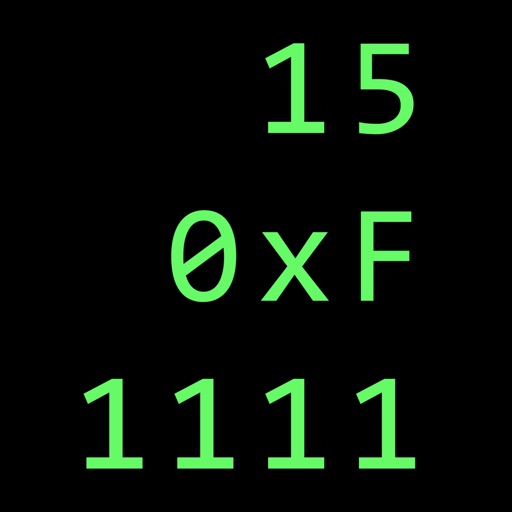
Calculate in binary, hex, and decimal simultaneously
Convert numbers between binary, hexadecimal, and decimal bases. Display all three bases simultaneously. Switch input modes and see results in all bases. Perform arithmetic, logic, and bitwise operations. Support unsigned and 2’s complement numbers.
5 offers curriculum-aligned exercises based on US Common Core standards. Students practice arithmetic, fractions, and geometry. Activities include problem-solving with a scratch pad for handwritten calculations.
Allows users to perform complex calculations with a natural equation entry system. It supports split screen, wireless keyboards, and Apple Watch integration. The displays full equations in real time and offers dark mode for enhanced readability.
The app offers two modes: portrait for basic calculations and landscape for scientific functions. Users can track entries with multiple tapes and use memory slots for complex calculations.
Allows users to perform basic and scientific calculations. It supports arithmetic operations, square roots, percentages, and trigonometric functions. Users can edit expressions with a movable cursor and view calculation history.
Practice ACT with 490 questions and 49 revision notes. Take mock tests with mixed questions. Receive instant feedback on answers. Review each question with detailed explanations. Track progress with a progress meter.
Allows users to perform basic arithmetic operations including addition, subtraction, multiplication, and division. It supports percentages, parentheses, and expression editing.
The app provides real-time calculation results as users type, allowing them to see and edit the entire calculation at any position. It supports calculations of almost any length with an unlimited undo and redo feature.
Convert units across 16 categories including temperature, currency, distance, weight, and volume. Access a standard and scientific within the . Units are organized by usage frequency with commonly used units displayed first.