Create videos with AI tools. Add automatic subtitles from audio or . Convert text to speech with one tap. Apply unique AI voices to audio. Get song recommendations. Remove backgrounds around people and faces.
Edit photos and videos with 300+ filters and presets. Apply overlays and adjust colors and brightness. Save edits in multiple formats and share directly. Sync with social media platforms for seamless posting.
Edit videos to obscure sensitive details like faces, eyes, and license plates. Apply pixelation or with a single tap. Work locally without cloud storage. Save and share edited videos directly.
Allows users to or unblur specific areas of a . Apply Gaussian, Zoom, or Motion effects. Use Mosaic effects like Pixel, Crystalize, Dots, or Glass. Zoom and rotate for detailed editing.
Create videos with filters, effects, and stickers. Add music and cinematic transitions. Edit photos into slideshows with customizable templates. Export and share finished videos directly.
Blur image backgrounds to create effects. Select photos from gallery or capture new images. Apply multiple blurring tools to adjust blur intensity. Export edited photos to device storage.
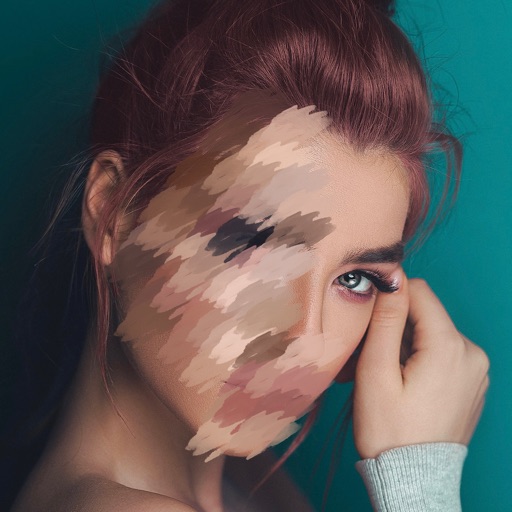
Face automatically detects and blurs faces in photos and videos. Users can tap to hide or reveal specific faces. The allows cropping, adding filters, text, or stickers. Metadata can be viewed, edited, or removed.
Sensitive data in videos by applying advanced blurring techniques to faces, text, or personal information. Edit projects with auto-saving, delete or create new projects, and manage edits with one-click actions. Export edited videos directly.
The app provides fisheye photo and video capture with live preview. Users can add vintage film looks, colorful ring flash effects, and a GPS watermark to document captured moments.
The app offers video editing tools for creating professional quality videos. Users can fine-tune visual effects, adjust playback speed, stabilize footage, and add images and audio.
Photos lets users photo backgrounds with a few taps. Adjust strength and apply bokeh effects. Remove unwanted objects or faces. Enhance focus on subjects by isolating them from the .
Create mosaic or effects on videos. Choose from four types. Adjust area by dragging or pinching. Modify blurriness with swipe gestures. Apply effects to specific sections in timeline mode.