Apps Like Background Eraser - Remove BG* for iPhone and iPad
With AI
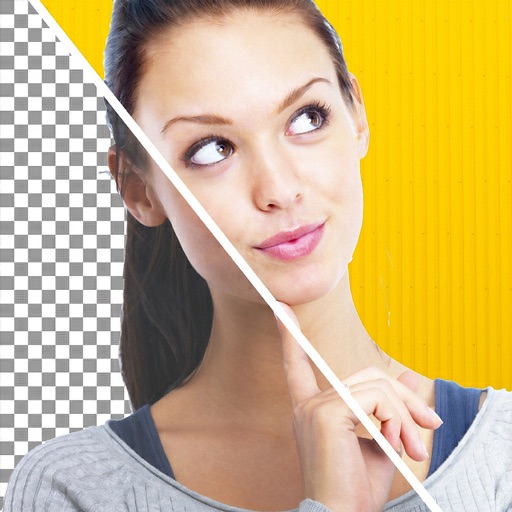
Backgrounds from photos using AI-powered tools. Edit photo backgrounds, replace with new ones, and generate PNG files. Save and share edited images directly.
by SHANTANU PTE. LTD.★ 4.84,044 ratingsPhoto & VideoFreeData updated 2026-09-06
Edit photos with brightness, saturation, and contrast adjustments. Add text, stickers, and memes. Crop, rotate, and straighten images. Apply effects and frames. Sharpen or blur photos. Import images from the camera roll. Fix red tones.
Remove unwanted objects, people, or backgrounds from photos using AI. Tap to erase clutter or clothing elements. Edit and save modified images directly.
Photo allows users to edit images by removing backgrounds. Users can select and isolate subjects. The supports offline processing. No online tracking is involved. Export edited images in various formats.
Create photo montages, collages, and custom . images by erasing, changing, or adding backgrounds. Cut people from photos and them onto new images. Decorate with personal photos and fun .
Edit photos with filters, effects, and backgrounds. Create collages and layouts with ready-made designs. Crop and mirror images for social media. Add text and frames. Share edited photos directly to WhatsApp and Instagram.
Enhance image quality by unblurring and sharpening photos, reducing noise, and upsizing for clarity. Improve video clarity with noise reduction and motion smoothing. Sharpen PDF text and lines for better readability.
Remove with automatic portrait recognition or brush matting tools. Choose from multiple shape options for precise masking. Add color line strokes to edited areas. Export modified images directly.
Allows users to cut, delete, and reverse clips. Apply real-time beauty filters and crop videos with white space. Rotate, flip, or merge multiple videos. Add music from a library and convert videos to GIF or live photo formats.
Add to photos with machine learning. Choose from Bokeh, Box, Motion, Crystallize, or Pixelate styles. Adjust intensity with a slider. Apply to single or multiple images.
Edit photos with unblur, object removal, and background cleanup tools. Apply AI filters, artistic styles, and motion effects. Create photo animations with one tap. Export and share edited images directly.