Create custom charts for crafts like cross stitch, bead weaving, knitting, and pixel art. Draw dotted images and design patterns with an intuitive touch interface. Export charts for use in projects.
Play to fill the board with 9 different colors. Solve puzzles with 5 difficulty levels. Use full undo support. Mark answers or pencil marks with dual-keypad input. View beautiful graphics. No timers.
Use augmented reality to draw on any surface. Create sketches with AI-assisted tools. Select and customize NFT images from your phone gallery. Export drawings in various formats. Share artwork directly from the .
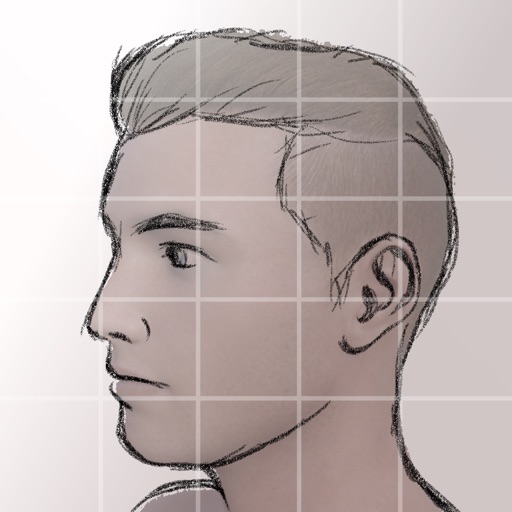
Create and customize grids on images for drawing and painting. Place grids over photos to use as reference. Adjust size and spacing. Export layers for use in digital art tools.
Edit photos by blurring backgrounds, faces, or specific subjects. Apply various effects and filters. Save edited images to the camera roll or share them directly.
Turn iPad into a for real-time annotations. Project PDFs and images to a computer via local network. Annotate live during presentations. No subscriptions or additional software required. Share annotated content directly from the browser.
The app offers a fast and realistic painting, drawing, and sketching experience. Its painting engine utilizes the GPU for brush strokes with 64-bit color and sub-pixel precision.
Solve with varying difficulty levels. Navigate puzzles easily. Save progress and return later. Share completed puzzles with friends. Access on iPhone, iPad, and iPod.
Create art using AI-generated images based on text prompts. Adjust style, color, and details. Save and share generated artwork. Edit and refine AI-created images. Export in various formats.
Create illustrations, logos, and UI designs with precise drawing tools. Import and edit graphics. Organize projects in workspaces. Export in multiple formats. Collaborate in real-time with others. Adjust colors, shapes, and layers.
Browse organized into 25 categories including Abstract & Textures, Animals, and Space & Galaxy. Set as phone background. Share via social media. Apply color filters to customize appearance.
Create art with 10 brushes. Adjust brush size and color randomly. Import photos to doodle on. Add drawings to family images for customization. Save and share completed artwork.
The app provides tools for realistic oil painting and unique effects like Worm Pen. It features live-calculated brushes and strokes that interact with a generated canvas texture.
Use phone camera to project anime-style templates onto paper or surfaces. Trace outlines to create art. Adjust lines and colors. Export drawings in various formats. Sync with digital tools for further editing.
Allows users to draw grids over images for precise copying, scaling, and tracing. Features include adjustable sizes, reference image overlay, and zoom capabilities. Users can export drawings and share files directly.