Edit photos, create avatars, generate digital artwork
Edit photos with AI-powered effects, including 3D avatars, anime-style portraits, and pencil sketch filters. Customize artwork with color adjustments and effects. Export and share transformed images directly.
The app provides vector drawing tools and flipbook-style animation. Users can create frame-by-frame animations or single-frame vector artwork with various drawing tools and shape options.
Create seamless patterns using 17 symmetry types and 23 templates. Draw with 18 brushes including pencil, liner, and airbrush. Use symmetry guide lines to align designs. Export patterns in multiple formats.
Teaches letter shapes and pronunciation. Guides correct letter formation with step-by-step strokes and direction. Includes difficulty levels for assisted . Helps recognize and practice pre-cursive and print block handwriting.
Create digital art using augmented reality features. images from uploaded files or projected visuals for precise sketching. Draw directly on paper with built-in tracing tools. Export artwork in multiple formats and share drawings.
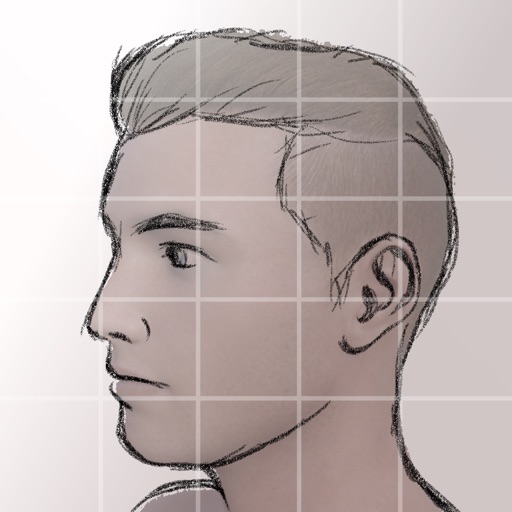
Edit photos with one-click aging to add time-worn effects. Customize age settings for precise appearance adjustments. Generate cartoon-style images using AI-powered tools. Apply filters and make edits directly within the .
Create pixel art sprites with drawing tools and a powerful engine. Open and edit pixel art files from Files. Use iCloud Drive for cloud storage. Support Apple for precise input. Import and customize color palettes.
Create and color images of characters, animals, and vehicles. Choose from 9 unique brushes for different effects. Record drawings as animated clips. Edit and share artwork. Switch between and free drawing modes.
Create with an infinite canvas for spatial thinking. Draw connections between ideas. Organize content through hand-drawn sketches and text. Export in multiple formats and share directly.
Allows children to draw using color selection, shape tools, and an eraser. It plays with each stroke and includes a random color option. Users can change line thickness and save drawings.
Create signatures using AI, Apple Pencil, or touch input. Choose from fonts and design options. Generate eSignatures for contracts, forms, and personal branding. Save and share created signatures directly.