Connect to a dash camera via WiFi to access recorded photos and videos. Edit content with trimming and filters. Share files directly or save to device storage for later use.
by JINGWAH INFORMATION TECHNOLOGY CO.,LTD.★ 5.027 ratingsPhoto & VideoFreeData updated 2026-09-06
Edit photos with and subject focus tools. Adjust intensity manually or automatically. Remove unwanted objects from the . Apply filters and make color adjustments. Save and share edited images directly.
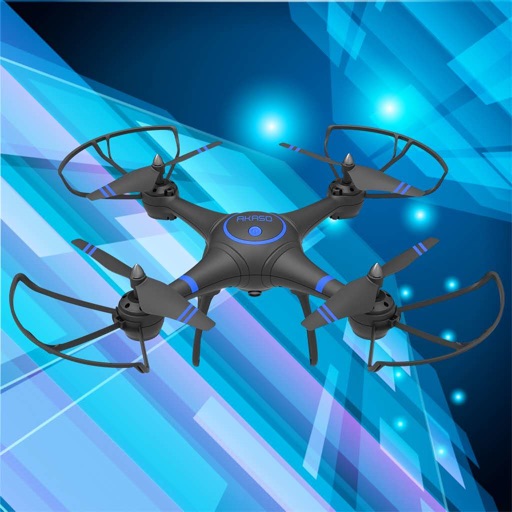
Control drones, view real-time video, record photos
Control a four-axis drone via WiFi. View real-time video feed from the drone's camera. Capture photos and videos using the device. Enable VR mode for immersive viewing. Use voice commands for flight control.
Add timestamps and customizable watermarks to photos and videos. Edit images with filters and cropping. Record videos with overlay options. Share content directly from the .
View live camera feeds and access recorded footage. Save video clips or snapshots with a few taps. Connect to an NVR for remote monitoring. Use motion detection, face detection, and object detection features.
Scan documents to create PDFs or image files. Save scanned documents to your device. Edit and modify scanned files directly. Share files via email or messaging. Organize and manage digital documents efficiently.
Create animated stop-motion videos using device camera. Capture frame by frame sequences. Record videos and edit footage with in- tools. Add effects and export final projects.
Scan documents into high-quality PDFs using your phone's camera. Edit scans with cropping and rotation tools. Add signatures and annotations. Share or email documents directly. Save and organize scanned files in a digital folder.
Take photos using the ’s guided camera interface. Adjust lighting and positioning for compliance. Export high-quality images in required formats. Share directly with UK government portals. Include code for verification.
Edit photos with filters, cropping, and adjustments. Add text and stickers. Export in multiple formats and share directly. Access exclusive effects and continuous use of all features with a Premium subscription.
Edit photos and videos with AI-powered swapping. Replace faces in images or videos with realistic animations. Add text, filters, and effects. Export and share edited content directly.
Connect to industrial endoscope devices via Wi-Fi to view real-time camera feed on mobile devices. Capture photos and videos for comparison with previous recordings. Save and review captured media for analysis.
View and organize photos and videos in a unified . Import, delete, and rearrange media files. Share images and videos directly with contacts. Apply filters and adjust brightness for enhanced visuals.
Record and transcribe meetings, conversations, and audio files. Organize content into structured with timestamps and speaker tags. Highlight key points and export in text or PDF format. Share directly with team members.
Edit photos and videos with AI-powered tools for automatic enhancements. Adjust brightness, contrast, and colors. Add text, stickers, and filters. Export in various formats and share directly.
Scan and convert paper documents into digital files. Edit scanned pages by adding text, drawing, and signing. Crop and rotate images for precise formatting. Save in black and white to enhance readability and conserve storage.