

Apps Like Math & Magic for iPhone and iPad
Ranked alternatives
Showing 41–60 of 1,000 ranked alternatives.

myBlee Math
LGM Learning
Learn through interactive games
Teaches concepts through interactive exercises and lessons. Covers kindergarten to sixth grade with over 2000 activities. Includes bilingual support in English, French, and Spanish. Offers progress tracking and adaptive learning features.

Math Games ABC
Math Games Desenvolvimento De Softwares LTDA
Write numbers, earn achievements, learn
Learn by writing numbers with your finger. Receive feedback on correct answers and mistakes. Track achievements and progress. Interact with chibi characters for an engaging learning experience.


AI Math Solver+
Best mobile app, MB
Capture problems and get step-by-step solutions
Capture problems with the camera for instant step-by-step solutions. Solve algebraic expressions, equations, functions, and sequences. View detailed explanations and practice similar problems.
Mystery Math Museum
Artgig, LLC
Practice skills with interactive games
Practice skills through interactive puzzles and challenges. Customize difficulty levels. Track progress and earn rewards. Learn addition, subtraction, multiplication, and division. Sync achievements across devices.
Quick Math Jr.
Shiny Things Software Pty Ltd
Practice with counting, addition, and subtraction
Teaches counting, addition, subtraction, and place value through interactive games. Includes number writing practice and number sense activities. Features progress tracking and adjustable difficulty levels for ages 3-7.

Math Ninja AR
Fantamstick, Ltd.
Train skills with body movement and brain
Stimulate body and brain with interactive AR activities. Practice problems through physical movement. Track progress and set memory challenges. Share achievements with friends.


Magic Cube Algorithms
巍 赵
Learn on the go
Learn with 3D graphics and animations. Access all F2L, OLL, PLL, 4LLL, CLL, EG1, EG2, Roux, EOLR, COLL, ZBLL, VLS, WV methods. Add and share custom . Create and save personal sessions. Customize colors for each side.

Hooda Math Mobile
Hooda Math LLC
Play games and learn new skills
Play games to practice arithmetic and problem-solving skills. Access a growing library of games requiring internet connection. Track progress and challenge friends through in- features.
Math Magic
Anusen Inc
Arithmetic learning for young children.
The app teaches arithmetic to children aged 3 to 8 using vibrant colors, a simple interface, and a reward system. It offers positive reinforcement and customizable difficulty levels for a fun learning experience.
Word Magic
Anusen Inc
Learn words with interactive games
Learn basic math through interactive games and -based challenges. Practice number recognition, counting, and simple addition. Customize difficulty levels and track progress over time. Share achievements with parents or teachers.

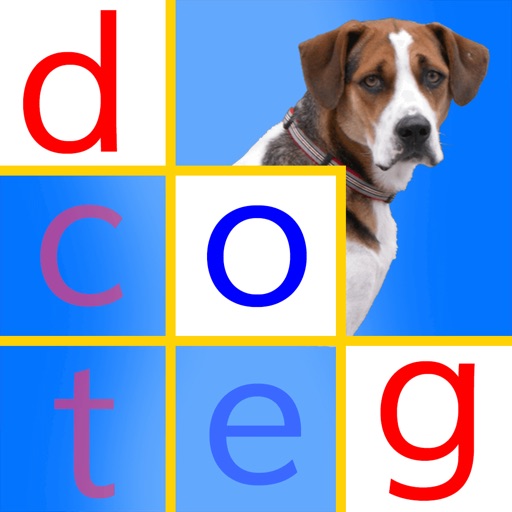
Word Reading Magic
PRESCHOOL UNIVERSITY
Practice CVC words and track progress
Teaches children to read CVC words through interactive exercises. Features include phonics-based recognition, drag-and-drop letter matching, and progress tracking. Includes audio pronunciation and instant feedback on correct answers.

DoodleMath: Elementary Math
Discovery Education, Inc.
Practice problems and track progress
Offers interactive games and practice problems tailored to each child. Topics include addition, subtraction, geometry, measurement, and fractions. Users can track progress and receive personalized learning paths.


Osmo Squiggle Magic
Tangible Play Inc
Build, create, and explore with sticks
Create interactive art with sticks and rings, then animate it using the device camera. Develop cognitive and creative skills through hands-on play. Sync with Base for iPad to view animations and track progress.
All Simple Math
Arch Square
Solve equations and validate expressions
Learn basic operations through interactive activities. Solve word problems and validate expressions. Match values to equations and select correct operators. Solve algebraic equations for X and compare equations for equality.
How we rank alternatives
Apps are ranked by functional similarity, category fit, rating confidence, and popularity.