Apps Like PicCut Magic Background Eraser for iPhone and iPad
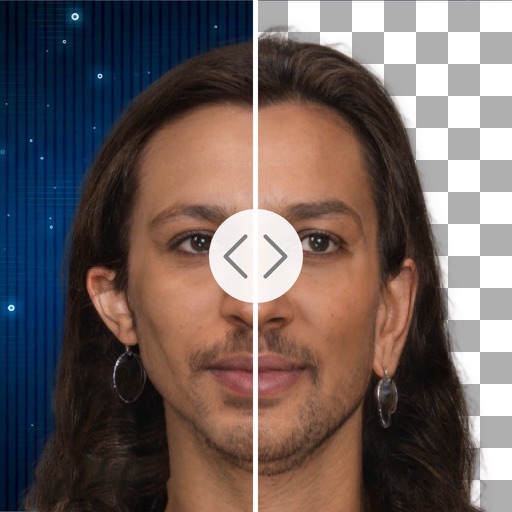
Remove backgrounds with one tap
Remove backgrounds from product photos using AI. Retouch images with one tap. Change backgrounds automatically based on product type. Export edited photos for online marketplaces. Adjust colors and brightness for professional results.
by Cardinal Blue Software, Inc★ 4.69 ratingsGraphics & DesignFreeData updated 2026-09-06
Remove backgrounds with a single tap. Replace with 800+ virtual templates. Export as transparent MP4 with alpha channel. Adjust resolution to 16:9 or 9:16. Position and scale the top layer transparent .
Edit photos with one-tap removal and object erasing. Apply creative effects, blur tools, and adjust details. Share edited images directly or save in various formats.
Edit photos with advanced retouching tools, AI-powered headshot enhancement, and customizable filters. Adjust skin tone, remove blemishes, and refine details. Share edited photos directly to social media platforms.
Remove backgrounds from images using AI in 5 seconds. Generate custom backgrounds based on descriptions. Save as transparent or choose from templates. Adjust details for precision.
Remove photo backgrounds using AI-powered object detection. Automatically isolate subjects for transparent image export. Edit and save images for use in product photos, thumbnails, stickers, and memes.
Edit photos by selecting and removing unwanted elements such as people, objects, trash, pimples, lines, or other unwanted content. Retouch images to improve appearance. Save and share edited photos.
Remove unwanted people and blemishes from photos or videos by painting and erasing. Edit images with AI tools, add text, filters, and effects. Adjust facial features like face shape, forehead, chin, and cheeks.
Remove unwanted objects, people, or backgrounds from photos using AI. Tap to erase clutter or clothing elements. Edit and save modified images directly.
Edit photos with 200+ filters and AI art effects for enhanced visuals. Adjust brightness, contrast, and saturation. Add text, stickers, and animated effects. Export in various formats and share directly. Apply AI flash for vintage aesthetics.
Remove backgrounds from images by drawing a closed curve. Automatically erase similar color areas for transparent results. Adjust brush size for precise edits. Pan, zoom, and rotate images.
Remove backgrounds with one-tap AI detection. Adjust edges and transparency manually. Replace backgrounds with solid colors or images. Export edited photos in high resolution.
Edit photos with AI-powered tools like face swap, background removal, and object removal. Enhance image quality with the quality enhancer. Convert images to video. Use the AI agent for generating photos and editing concepts.
Backgrounds from images with precise touch or auto-target tools. Maintain transparency for use in apps like Keynote or Pages. Edit pixels for accuracy and erase or restore specific areas.
Create collages using free backgrounds, stickers, and fonts. Add text and images. Save collages to device or print. No account or social sharing required. Suitable for classroom and children use.