Track items in Rooms or Collections with details like value, purchase date, and photos. Edit items anytime. View total value, highest and lowest valued items. Search by keywords. Export data as CSV for backup or insurance.
by Brody Sears★ 4.52 ratingsUtilitiesFreeData updated 2026-09-06
The app allows users to search property information by owner name, address, or parcel ID. It displays property value, transfer history, tax details, and available photos.
Track item prices in real-time with frequent Grand Exchange snapshots. View profit margins, set alerts, and analyze market trends. Access guides and tutorials for beginners and advanced users. Manage inventory and monitor trade history within the .
Identify antiques by uploading images or taking photos. Analyze details to determine origin, age, and value. Learn historical context and care tips. Compare similar items and save collections for reference.
The app provides details on over 100 usable items, including weapons, shields, armor sets, and consumables. It lists drop locations, Covenant information, and includes all spells and magic weapons.
Logs acceleration, gyroscope, and magnetic field data simultaneously. data as CSV. Enable real-time visualization for live data viewing or disable for higher accuracy. Adjust sampling rate based on hardware capabilities.
Search instruments and cross-reference countsheets
Access detailed images and descriptions of surgical instruments. Search by barcode, SKU, or image. Cross-reference countsheets and identify over 3.5 million items. View high-resolution product photos and manufacturer information.
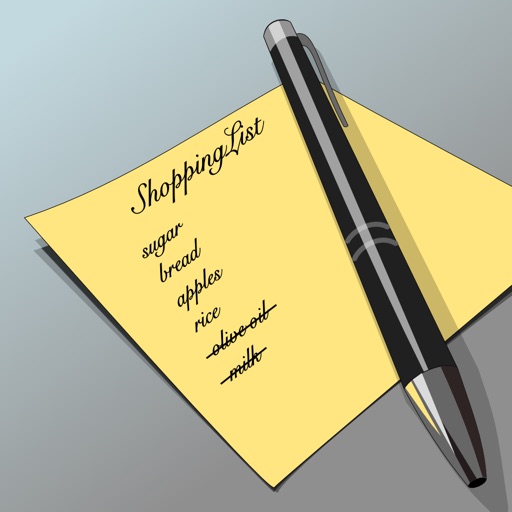
Create and manage lists with auto-complete suggestions for common items. Send lists via SMS or email. Maintain separate lists for and cart items. Delete or reorder items from both lists.
With customizable counters and real-time tracking. Set and rename counters, reset to zero, and view detailed reports. Supports Apple Watch for on-the-go counting. Adjust fonts for accessibility. Track laps, reps, inventory, or research data.
Scan QR codes and barcodes to retrieve detailed product and food information. View comprehensive data cards for each scan. Access a full scan history log and organize scans into folders. Perform batch scanning for efficiency. Export scan data to CSV.