Apply photo filters to create horror-themed images. Edit photos with cropping, adjustments, and effects. Add text and stickers for a creepy atmosphere. Export and share edited photos in various formats.
Edit photos with single-tap filters, brightness, opacity, contrast, blur, and focus adjustments. Rotate, crop, and resize images. Share to Facebook, Twitter, or Instagram. Save to photo library or send directly.
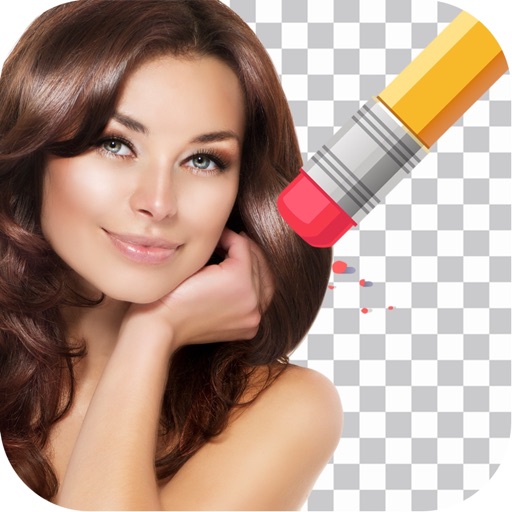
Remove backgrounds from photos by tapping areas to erase. Automatically or manually adjust transparency. Save edited images in HD quality. Export and share edited photos directly.
Edit photos with filters, effects, and tools. Crop, adjust colors, and add text or stickers. Share edited photos directly. Use camera features to capture and enhance real-time moments.
Create photos with customizable . Select from options. Add photos from gallery or capture new ones. Apply filters for enhanced appearance. Include stickers or emojis. Save and share edited images.
Edit photos using like Linear, Vignette, and Sepia. Adjust brightness, contrast, and color with tone curve tools. Apply blur, focus, and rotation. Add stickers, text, and emoticons. Crop and resize images.
Edit photos with stickers, filters, and effects. Add text and manga-style elements. Create collages and share directly. Adjust brightness and contrast. Save and export in various formats.
Create custom stickers by selecting images from your camera or photo library. Cut out stickers by highlighting areas, pinch-to-zoom for precision, undo changes, preview stickers, and delete unwanted ones.
Edit photos with starlight matting, changes, and multiple lighting styles. Apply stickers, erase selected areas, and use smudge tools for quick matting. Save and share edited images directly.
Add and stickers to photos and images. Choose from various spooky themes. Edit and enhance pictures. Share edited images directly. Apply high-definition effects. Create custom .
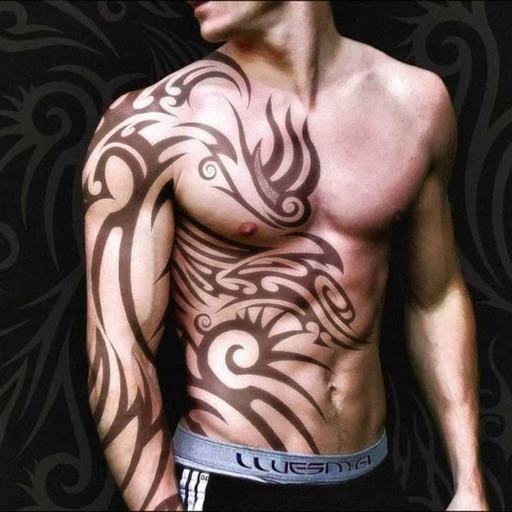
Create tattoos on photos with high-definition images. Select from various styles like dragon, color, love, and kanji. Apply effects and save or share directly. Choose photos from camera or gallery.
Edit photos with filters, masking tools, and multiple filter layers. Apply selective filters using advanced masking to create effects like color splash or tilt shift. Adjust and combine filters for custom results.
Edit photos with filters, filter mix, and creative shape effects. Apply mirror and mask tools. Create photos without cropping. Design grids and add funimate effects. Share directly to Instagram.
The app is a photo editor that allows users to enhance pictures, apply effects, add stickers, and draw on photos. It offers tools for adjusting brightness, contrast, saturation, and includes features like red-eye removal and smile whitening.