Apps Like Speaker Wizard Tone Generator for iPhone and iPad
Generate tones, test audio, customize frequencies
Generate pure tones, frequencies, and waveforms for and headphone testing. Customize frequency ranges and noise types. Perform audio quality tests and analyze sound output. Save and share test results.
by HyperHype UAB★ 4.67,330 ratingsMusicFreeData updated 2026-09-06
Play binaural beats and isochronic tones for relaxation, meditation, focus, and sleep. Set custom sessions with duration and frequency. Choose from curated soundscapes for stress reduction and improved concentration.
Boost audio with enhancement and control. Adjust levels for deeper sound. Increase beyond device limits. Improve overall sound quality for music, videos, and games. Apply equalizer settings for customized audio. Share audio files directly from the .
Record audio with noise reduction and real-time . Edit recordings, adjust volume, and share clips. Enable remote listening to control recordings from another device. Encrypt files and manage storage directly within the .
The app transforms a mobile device into an audio function generator. It allows for multiple generators with independent control over frequency, wave type, volume, and phase for precise audio output.
Create and manipulate -fi audio effects with customizable artifacts and noise. Apply tape warbles, vinyl crackles, and digital distortion. Adjust parameters for different audio textures.
The app converts between musical notes, frequencies, and wavelengths. It includes an oscillator to hear frequencies and a frequency tracker that displays the audio waveform.
Adjust audio output with a built-in volume for louder, clearer . Control levels to enhance music quality. Use for headphones or speakers. Boost for parties or personal listening.
Convert audio signals into visual representations by mapping frequencies to colors and musical notes. Display real-time patterns based on detected sounds. Allow users to explore and interact with music through visual feedback.
With a 5-minute quick or extended session for detailed results. n audiogram showing range. Use varied tones to assess different frequencies. Adjust testing based on personal perception. Track changes over time with date range analysis.
Adjust audio settings to increase volume and enhance bass for improved sound quality. Customize settings to fine-tune audio output. Share enhanced audio files directly from the .
Convert MP4 videos to MP3 audio files. Edit and enhance audio with noise reduction, trim, and volume adjustment. Save and share converted files directly.
Tune low-frequency instruments with precision. Detect and adjust guitar, double , cello, and other -range instruments. Use a chromatic scale for accurate tuning. Adjust pitch in real-time. Save and recall custom tuning settings.
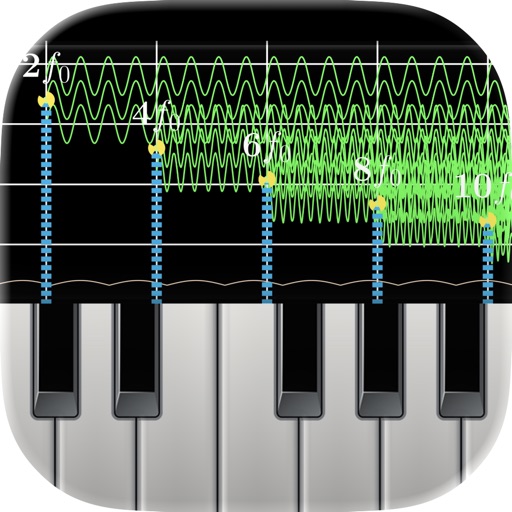
Monitor audio in real time with low-latency processing. View waveform oscilloscopes and frequency spectra. Analyze piano inharmonicity and tuning accuracy. Capture and inspect raw waveforms for music and acoustics.