Turn photos into videos by selecting an image and removing the background. Choose from several backgrounds and apply pop effects, drop shadow, or outline. Add background music and share the final result.
Create from photos or images. Add text to make . Customize with images, text, and other . Browse and organize in one view. Move between packs. Export sticker packs to files. Import previously exported sticker packs. Share with contacts.
Create digital cards with customizable backgrounds, stickers, and text. Add personal photos, choose from 75 stickers and 30 backgrounds. Email cards or share on Facebook and Twitter. Save creations to the gallery.
Create collages using various layouts. Stitch screenshots into long screenshots. Add text, stickers, and backgrounds during editing. Export edited content.
Take photos with built-in stickers including devils, rabbits, and cats. Apply stickers to photos in real time. Choose from over 30 templates. Share edited photos directly.
Edit photos with filters, effects, and AI tools to remove or blur backgrounds. Add stickers, text, and frames. Apply glitch, neon, and drip effects. Adjust colors and crop images. Export and share edited photos directly.
Edit images with brightness, contrast, and other adjustment tools. Import photos and place them in customizable Story templates. Create gradients and use the dropper tool to match colors. Share edited content directly to Instagram .
Create custom ponies and digital stickers with editing tools. Add photos and text to design a digital . Use "-fier" overlays to transform images into ponies. Share created content via social media.
Create rankings for favorite foods, drinks, songs, and more. Add descriptions and images. Share rankings on social media or blogs. Customize categories and sort items by votes or ratings. Export results as images or text.
Create cards by selecting from design templates and customizing details. Add backgrounds and stickers. Search for templates and edit text and layout. Export and share finished designs.
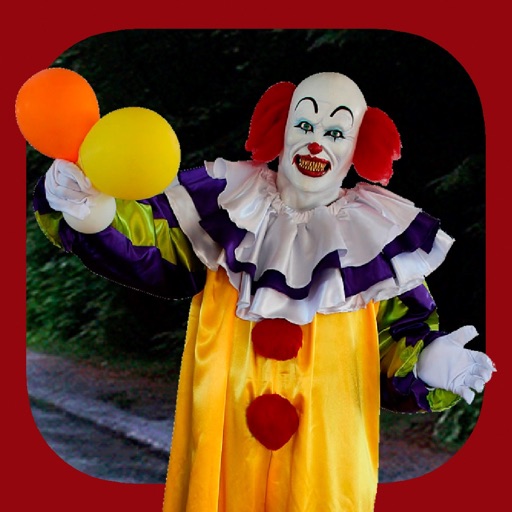
Add clown to photos for a scary effect. Choose from available , position them, and change background to black or white. Edit images using built-in tools and save or share the modified photos.