View and compare 3D models in AR within real environments. Share captured scenes for collaboration and customer interaction. Present models via QR codes for easy access. Manage and organize 3D assets within the .
Place 3D math objects on flat surfaces and walk around them. Take screenshots from different angles to explore geometry and algebra. Follow guided activities to understand mathematical concepts through real-world perspectives.
View surroundings in stereoscopic using a VR headset and iOS device camera. Apply immersive filters with adjustable stereoscopic ratio and customizable resolution and frame rate. Capture stop-motion or high-speed videos with adjustable settings.
Explore the using . Zoom in and out to adjust scale. View planet sizes, distances, and rotation speeds. Tap planets to see distance in meters and view detailed models. Stop rotations to walk around the .
The app transforms a mobile device into a microscope for viewing small objects with magnification. Users can capture images of revealed details and share discoveries.
Use your phone camera to draw on any surface. Access templates for animals, cars, and nature. Utilize the built-in flashlight for better visibility. Share completed drawings with friends. Create art using augmented reality technology.
And AR lets two players take turns hiding and finding virtual shapes in real-world environments. Players select shapes from a list and place them on flat surfaces. The seeker uses to locate hidden shapes and tap them to reveal.
Create and view 3D objects using . Scan QR codes to trigger interactive experiences. Share AR content with networks. Access Unity Content Creator Plug In for developing custom AR experiences.
Visualize molecules and proteins using . Place 3D models in real-world environments without markers. Access structures from PubChem and Protein Data Bank. Draw chemical formulas and view them in AR.
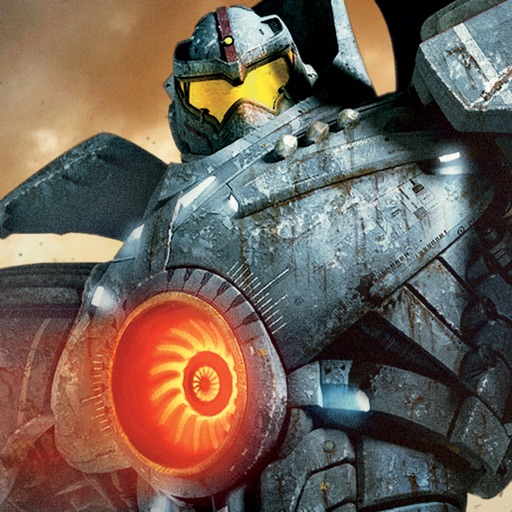
The app uses augmented reality to place giant robots and monsters into a real-world environment. Users control the robots to battle monsters and can add characters to photos.