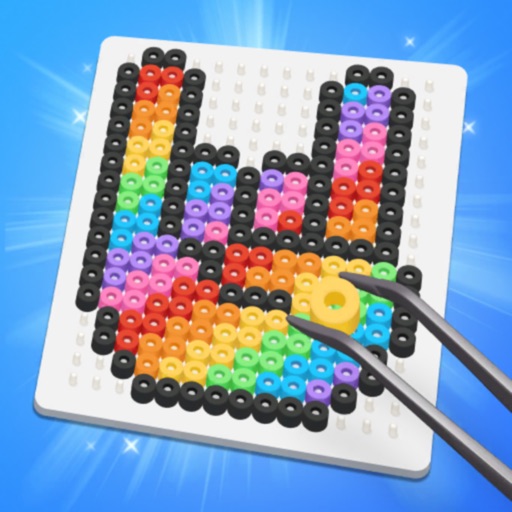
Create art by placing and ironing colorful beads onto a grid. Explore pre-designed pixel artworks for inspiration. Customize designs in DIY mode. Save and share completed projects. Adjust colors and patterns.
by Wuhan Dream Space Studio Co., LTD★ 4.9926 ratingsGamesFreeData updated 2026-09-06
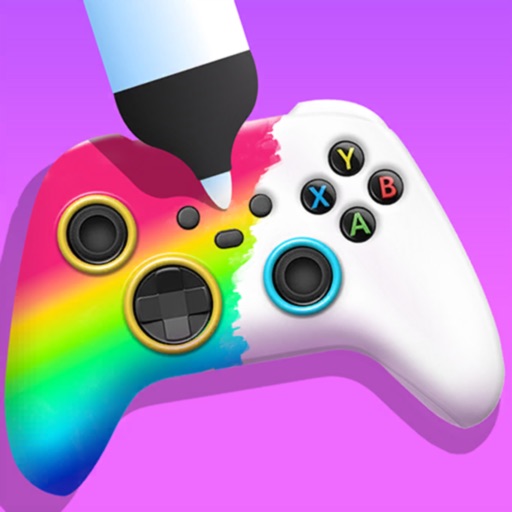
Create custom game controllers by designing art with stencil tools, spray paint, and stickers. Apply color and patterns to joysticks and gamepads. Add decorative elements like marble dipping. Save and share custom designs.
Create art by selecting colors and filling in grids. Choose from pre-designed artworks or design custom pieces. Save and share completed projects. Access a library of free art templates. Adjust color palettes and grid sizes for different projects.
The app presents a puzzle game with three modes: Adventure, Zen, and Classical. Adventure mode includes special beads and unlocks items at higher levels.
"Create art by selecting colors and filling in picture sections. Complete pre-designed images or customize drawings. Save and share creations. Access a library of themed illustrations for endless sessions."
Coloring pages allow users to animals, flowers, nature scenes, people, places, mandalas, and more. Follow numbered grids to fill in colors. Save progress and share completed artwork.
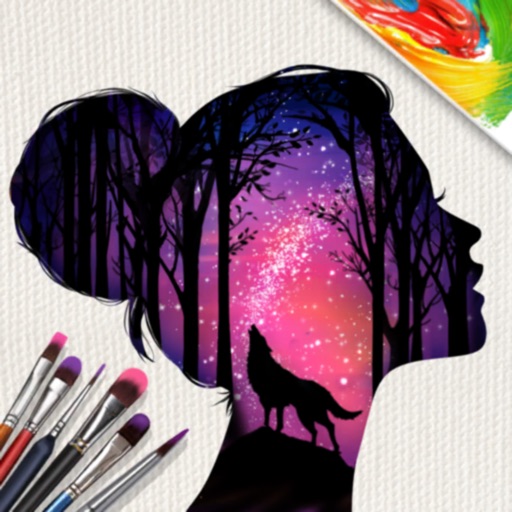
Create digital art by adding colors, stickers, and glitter to a blank canvas. Customize artwork with various tools and effects. Save and share finished pieces. Receive feedback on artistic skill through in-game prompts.
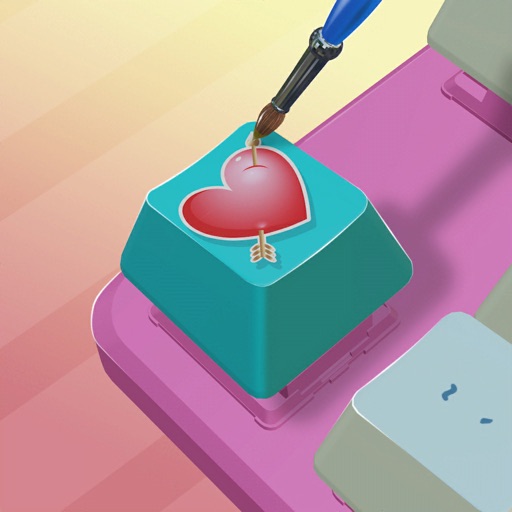
Customize keycaps with paint brushes, stencils, and spray paint. Add colors and artwork to create personalized designs. Save and share creations directly.
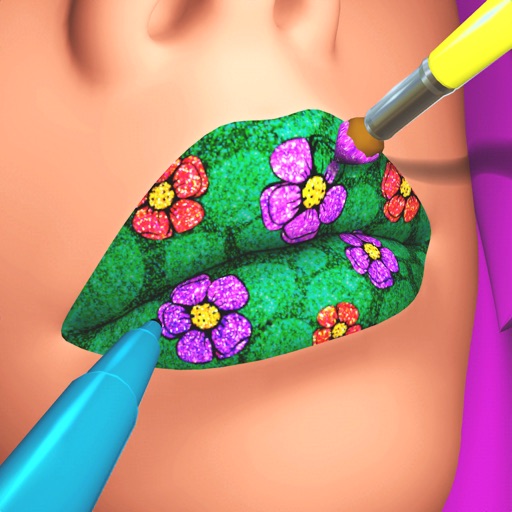
Create custom lip art using lipsticks, brushes, gloss, glitter, sequins, and rhinestones. Design unique lip art styles and share creations. View and compare user-generated designs. Track likes and engagement metrics.
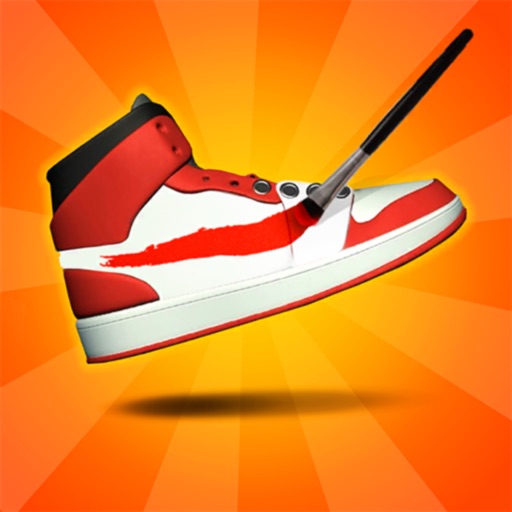
Design sneakers using brushes and colors. Customize laces with on-screen patterns. Package shoes in selected boxes. Sell creations in a virtual shop. Track sales and adjust designs for better results.
Create art using -based drawing tools. Customize colors and brush sizes. Save and share creations. Import images to trace or combine with drawings. Export in various file formats.
Create pixel art by matching ball colors to target hues. Collect three balls to unlock a color and paint the canvas. Use a temporary holding bar to gather more without overfilling. Complete hundreds of colorful pixel art puzzles.
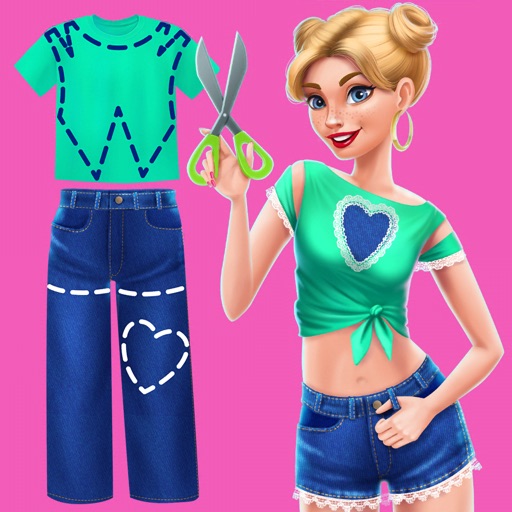
Create and customize DIY outfits using fabric, accessories, and embellishments. Upload videos to a personal channel. Share projects with friends and receive feedback. Track progress on creative goals.
Create and customize designs for clients. Choose from various polishes, stickers, and decorations. Manage a by accepting appointments and completing client requests. Earn rewards by completing tasks and upgrading tools.
Use rubber bands to shape a into target images. Adjust colors and stretch bands to form precise outlines. Complete puzzles by matching shapes and solving unique challenges. Track progress and unlock new levels.
Color : Painting Book lets users select and color pre-designed characters. Features include drawing tools, color palettes, and saving artwork. Users can share completed drawings and access challenges to improve artistic skills.