Edit photos by removing objects, erasing backgrounds, enhancing quality, expanding canvas, or replacing elements. Generate new images with AI filters. Perform basic edits and apply creative AI effects. Save and share edited photos directly.
by Creatix Technology Global Limited★ 4.86,443 ratingsPhoto & VideoFreeData updated 2026-09-06
Edit photos to improve clarity and sharpness using AI technology. Remove blurriness and enhance image quality. Adjust brightness, contrast, and color. Save and share edited photos directly.
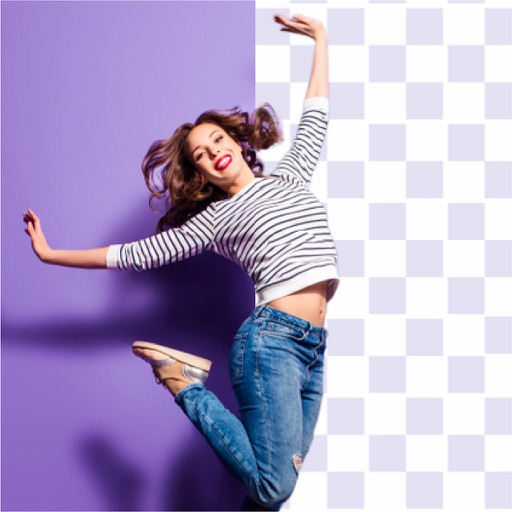
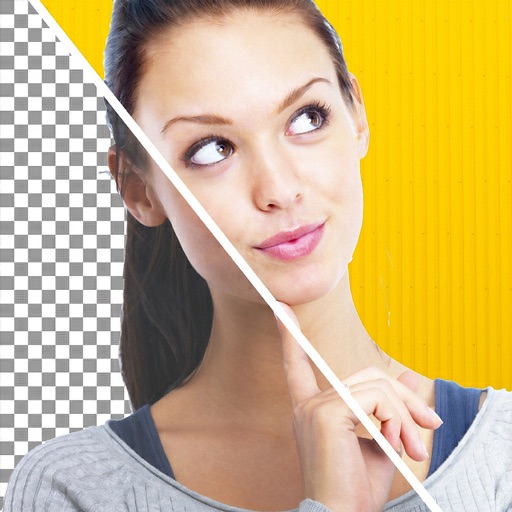
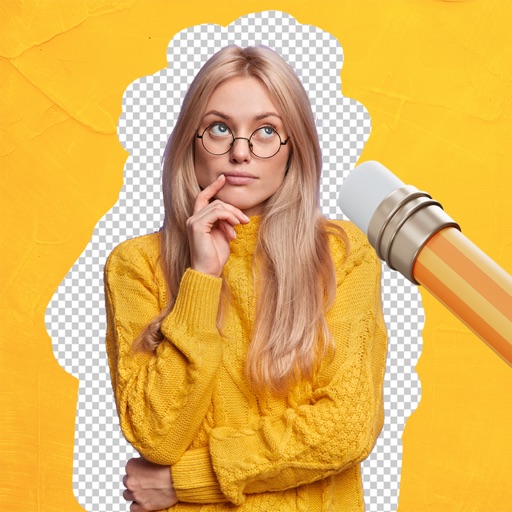
Remove backgrounds from photos using AI technology. Cut out objects and edit images with precision. Overlay subjects onto new backgrounds. Save and share edited images directly.
Remove unwanted elements from photos such as people, acne, buildings, lines, and backgrounds. Edit images by selecting and deleting specific objects. Export edited photos in standard formats.
Remove unwanted objects, text, or backgrounds from images or videos. Use finger gestures to select areas for deletion. Automatically blend removed sections with surrounding content for seamless results. Edit both static images and clips.
Create AI-generated videos and explore future baby simulations. Edit photos with AI headshot generation, face swapping, hairstyle changes, color replacement, and skin retouching.
Edit photos to enhance clarity and detail. Remove blur and adjust colors. Generate AI art from text prompts. Create videos with AI-powered editing tools. Export and share final projects in various formats.
Arthur Eduardo Skaetta Alvarez Desenvolvimento de Software LTDA.
Edit photos, remove backgrounds, export PNGs
Edit images by erasing backgrounds with finger dragging or AI-powered auto detection. Maintain transparency or add custom backgrounds. Export high quality PNG files for transparent or composed backgrounds.
Grisoft Yazilim ve Bilisim Hizmetleri Limited Sirketi
Edit photos, remove objects, adjust backgrounds
Edit photos with object removal, background erasing, and blur tools. Add stickers, neon lights, and colorful lines. Apply artistic effects and create black and white photos. Adjust backgrounds and highlight objects for professional results.
Edit photos with AI-powered enhancement, colorization, and object removal. Adjust lighting, sharpen details, and correct imions. Apply filters and restore old photos. Export edited images in various formats.
Remove backgrounds from images using AI-powered tools. Select areas to erase and automatically cut out subjects. Export as transparent PNG files. Adjust edges and refine results manually. Share edited images directly.
Edit photos by highlighting colors, removing or changing backgrounds, and blurring specific areas. Use healing and smoothing tools for precise adjustments. Create photo montages and export edited images directly.