Play a game using tones to repeat sequences. Adjust difficulty by increasing speed. Track progress with points. Use Retina display for clear visuals. Compete against increasing sequence complexity.
Track facial expressions, eye blinks, mouth movements, and eyebrow changes in real-time. Capture finger movements and upper body posture. Use machine learning for accurate motion tracking. Enable virtual streaming with real-time motion data.
Receive push notifications for alerts and incidents. Take action directly from the . View the status of all known issues. Manage on-call responsibilities and team assignments.
Monitor and control smart devices in real time. Check and change device statuses remotely. Use voice commands with Alexa or Google Assistant. Set automated scenes for scheduled device actions.
Control LED devices by adjusting color, temperature, and brightness. Connect via Wi-Fi or Bluetooth. Sync backlight to music rhythm. Compatible with LED strips, bulbs, and other supported devices.
Without touching the screen using the proximity sensor. Tap to increment, swipe left or right to decrement, and hold to reset. Multi-touch allows counting multiple times with separate fingers. Shake to generate a random number.
Provides a secure SSH and for managing remote servers. Users can connect via SSH, transfer files using , and execute commands in a terminal. It supports terminal emulation, session management, and file navigation.
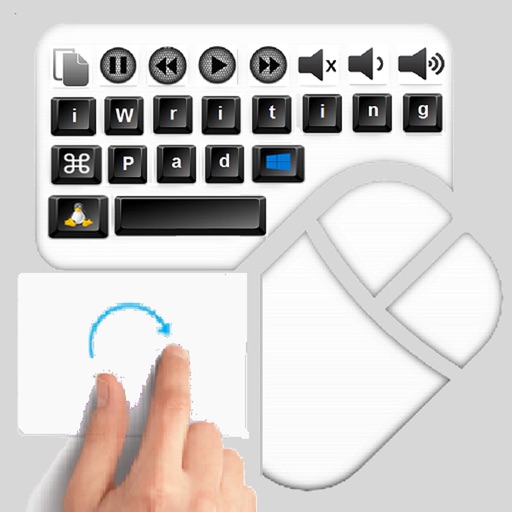
The app provides an iPad user experience on computers. It allows users to control PCs using touch gestures as a remote mouse and handwriting recognition keyboard.
Amplify sounds using adjustable equalizer and tone settings. Adjust volume and pitch for better . Works in background for continuous use. Connect via headphones for direct audio input.