The app creates graphical text placards. It allows copying text with graphics from other apps into its editor and copying the placard to the clipboard for use in documents or photos.
Send files to printers via Wi-Fi or cloud storage. Scan documents and photos with high-resolution settings. Manage jobs and view scan history. Support multiple wireless printer models. Share scanned documents via email or messaging.
Create and manage map radiuses with customizable center coordinates, , and color settings. Share URLs via email or text to display radiuses in any browser. Include names, notes, and choose from multiple coordinate and distance formats.
Add frames to screenshots and screencasts for a more natural appearance. Save projects for later editing or sharing with colleagues. Import photos and videos. Adjust canvas size using 720p, 1080p, or 4k templates.
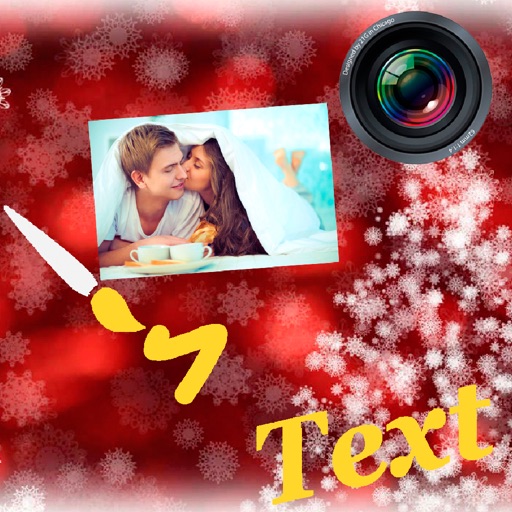
Digital with customizable backgrounds. Add text with adjustable fonts, colors, and borders. Draw on photos or include images that can be moved, rotated, and scaled. Save and share finished designs through social media apps.
Read books and documents in various formats including PDF, TXT, MS Office files, HTML, and more. Adjust font size, type, brightness, and background. Decompress RAR and ZIP files. Play audio and video content. Flip pages with a simple interface.
Add to photos with customizable fonts and styles. Choose from 250+ fonts and 200+ templates. Include layers for , images, shapes, and stickers. Access a variety of stickers, icons, and quotes. Apply single color or gradient color palettes.
Create notes based on incoming notifications. Tap to view details, edit text, or set reminders. Share notes via email or messaging. Customize appearance and settings.
Create custom widgets with adjustable art, background images, and colors. Choose from 500+ prebuilt widgets. Customize existing widgets or design your own. Add widgets to home screen. Receive weekly updates with new themes and widgets.