The app allows users to enhance photos with effects, stickers, and drawing tools. Users can also search and download pictures from various platforms and share their edited images.
Edit photos adjustable temperature, tint, and exposure settings. Use texture blending tools and apply effects. Add stickers opacity and shadow control, and include text 3D effects and multiple fonts. Crop, rotate, and straighten images.
Allows users to restore damaged photos using AI algorithms. Users can remove scratches, blur, and discoloration. The enhances visual clarity and transforms old photos. AI filters and creative styles can be applied for artistic effects.
Create digital art with customizable brushes and layers. Adjust brush settings for pressure and flow. Use Apple Pencil for precise strokes. Save and export artwork in various formats. Import images for tracing or blending.
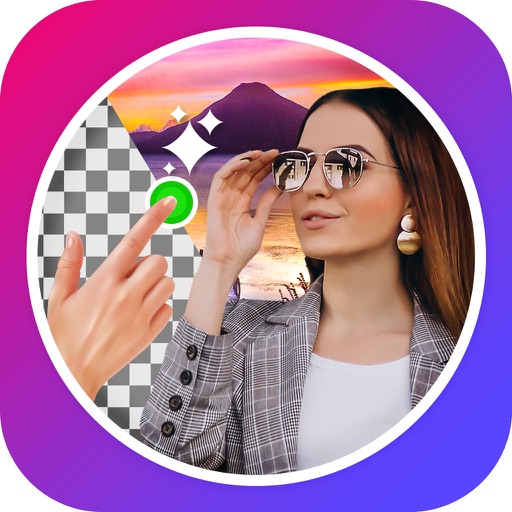
Edit images to remove backgrounds using AI. Cut out objects and replace them with new backgrounds. Adjust edges for smooth transitions. Share edited images directly.
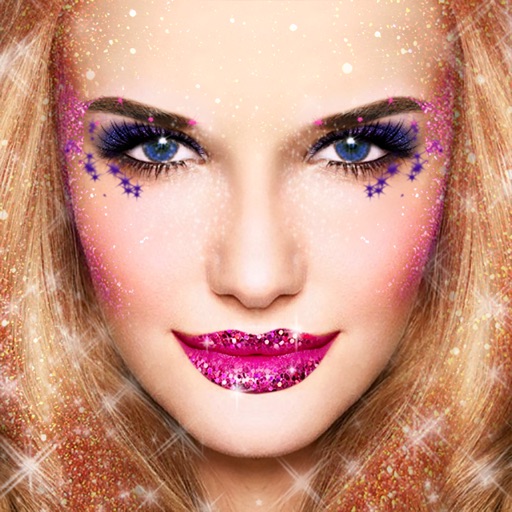
Edit photos with skin smoothing, blemish removal, and tone adjustment. Resize body parts, whiten teeth, and change hair or eye color. Apply makeup, add filters, and adjust lighting. Save and share edited images directly.
Edit photos with cartoon-style anime filters and portrait transformations. Colorize black-and-white images using AI. Remove or replace backgrounds with one tap. Enhance skin tone and texture with AI-powered retouching.
Remove objects, people, and backgrounds from photos using AI-powered tools. Edit imions and export images. Perform basic retouching and access three free removals daily.
Remove backgrounds from images using AI-powered erasing. Cut out objects with precision and create transparent backgrounds. Save as PNG or edit layers for detailed adjustments. Share edited images directly.
Retouch portraits and selfies with advanced editing tools. Adjust skin tone, remove blemishes, and enhance details. Add artistic filters and effects. Save and share edited photos directly.