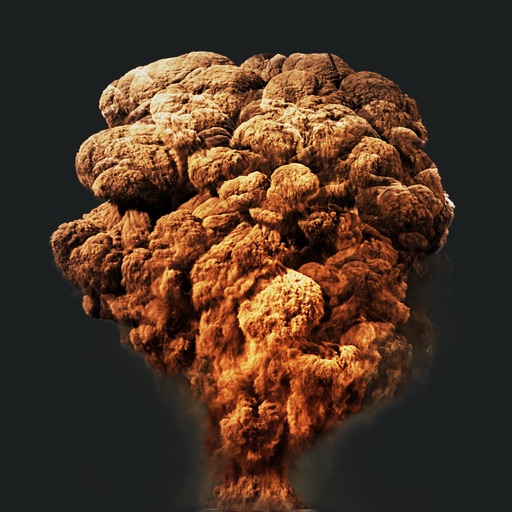
Create action scenes with realistic including fire, explosions, blasts, and muzzle flashes. Import or take a photo, then add by tapping and adjusting their position, scale, and rotation.
Record video with and cameras simultaneously using Picture-in-Picture, split screen, or single layouts. Capture triple shots in one click. Save and share recordings.
Edit photos with eye and pupil templates. Adjust eye size and remove red eye. Experiment with contact lens effects. Automatically detect eye position. Change and fix eye lenses. Save and share edited images.
Share photos, connect with photographers, discover great
Share and discover in a chronological feed without ads or algorithms. Upload and view images, comment, and connect with other photographers. Organize photos into albums and adjust settings for display.
Edit photos with one-tap tools including Gaussian, zoom, and motion . Adjust brush size and apply glass, crystalize, or pixel effects. Save edits in low or high resolution to camera roll.
The app allows users to create DSLR-quality photos with blurred backgrounds and bokeh effects. It features an easy editing process with a selection tool and loupe for detail-oriented editing, and users can adjust the bokeh level.
Create audiovisual content by importing from Files, SoundCloud, or video recordings. Customize visualizers such as audio spectrum, waveform, and synthwave sun. Add text, images, and gradients to videos.
Photos by selecting and painting over areas with a magnifying glass tool. Adjust intensity and apply pixelation effects. Remove blemishes and add filters. Export edited images in high resolution.
Edit photos by adding custom logos. Choose from Square, Landscape, or Portrait formats. Import images from the photo library. Add custom text to create a . Adjust font, size, rotation, and color. Position the anywhere on the canvas.
Batch blurring allows users to faces and license plates across multiple photos simultaneously. Select specific faces or plates to keep sharp and adjust intensity. Protect sensitive data by ensuring private information remains obscured.
Remove duplicate and similar and videos. Clean up screenshots and organize files. Delete unwanted items with swipe gestures. Move content to custom albums. Store data locally for privacy and security. Free up iPhone storage space.
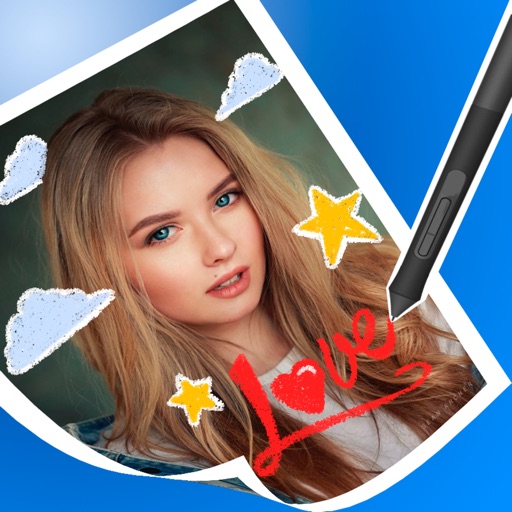
Try on different styles with adjustable fit. Add masks, stickers, and effects to photos. Edit selfies and adjust placement. Share edited photos directly to social media.