Track match time with a timer and stopwatch. Log goals, cautions, and ejections during gameplay. Record elapsed and remaining time for game cards. Create new matches and set half durations. Start and stop the timer manually or hold to log events.
by Rami Sinno★ 4.05 ratingsSportsFreeData updated 2026-09-06
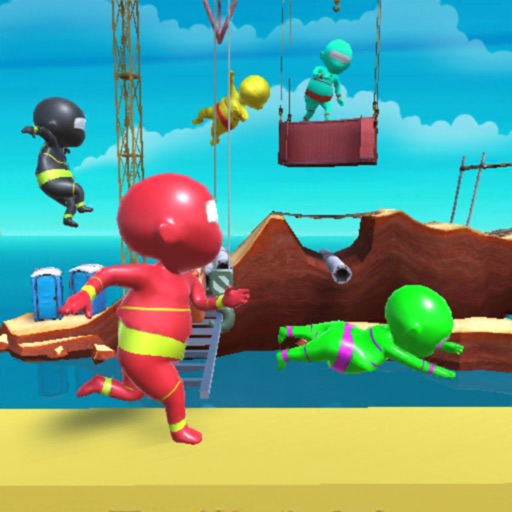
Hold to run and release to stop. Navigate through 3D sea races with simple controls. Upgrade characters and vehicles. Explore colorful, humorous levels. Play offline without internet connection.
Manage timers at the same time. Create and save custom timers with color-coded labels. Set repeating intervals and alarms. Adjust durations and view progress visually. Share timers via links or export as files.
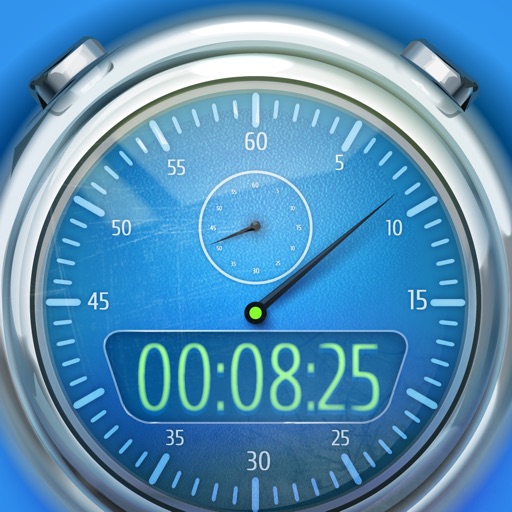
A with stylish design and animated time display. Track elapsed time with lap and split functions. Offers user-friendly interface suitable for casual and sports mode use.
Track service by manually entering hours or using a stopwatch. Set goals and view progress with statistics. Log and not-at-homes by selecting addresses from an auto-finder or tapping on a map.
Interval allows users to set intervals and recovery times. Users can start and stop sessions with a simple interface. Sessions are saved for quick access in future uses.
Create and manage multiple named , stopwatches, and interval . Sync across devices and group them using Tags. Set alert sounds, haptics, and critical alerts for expiration. Assign Shortcuts and URLs to trigger actions when stop.
Set a timer to stop or mute audio playback when time expires. Automatically stops even when running in the background. Supports dark mode and offers a simple interface for managing playback.
Track daily habits with customizable goals and categories for study, fitness, and other areas. Log progress to monitor growth and view statistics. Receive motivational quotes and earn stars as rewards.
Track driving logs for learner permits. Auto-record trips in the background or add them manually. View detected trips when launching the . No real-time location tracking during trips. Log trip details and manage entries.
Set a green to signal when it's okay to up. Use a visual timer to indicate remaining for transitions. Customize sounds and timer durations. Share settings across devices. Track sleep patterns and transition times.
Track work intervals and breaks with a customizable timer. Start, stop, and pause sessions from the status bar or a modal window. View history, statistics, and progress charts to analyze productivity over time.
The app allows users to start and stop timers, submit time entries, and check daily and weekly time totals from Apple Watch. It integrates with a Tick account for logging new time entries and checking project status.
Allows users to start and stop timing by placing fingers on left and right pads. It displays red and green lights to indicate readiness. Users can reset the and view elapsed time during sessions.
Create and manage child routines with timers and activity schedules. Set time reminders for tasks like playtime or baths. Track progress and ensure consistency. Share remaining time for each activity to prepare the child.