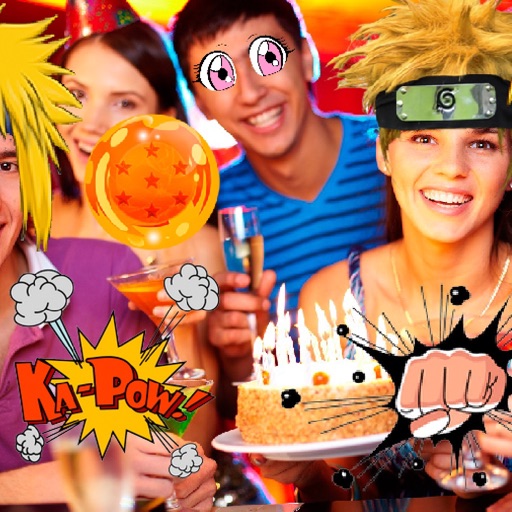
Use 68 pre-designed stickers to add visual expressions to messages. Choose from a variety of themes and styles. Tap to send stickers directly to contacts. Customize sticker size and position before sending.
by Elena Chiorsac★ 4.67 ratingsStickers$0.99Data updated 2026-09-06
Use stickers to add designs to messages. Choose from summer pumpkins, ghouls, autumn foods, skeletons, leaves, and moon sets. Customize sticker size and position. Share directly in chats or social media.
Browse and select from a collection of meat-themed stickers. Customize sticker size and position. Share stickers via messaging apps or social media. Add stickers to photos or messages directly.
Add -themed to iMessage conversations. Choose from a variety of designs. Customize sticker size and position. Send directly within messages without external apps.
Use stickers featuring characters from DreamWorks' animated series on Netflix, and the Age of . Select from 33 stickers, including animated ones. Add to messages or social media posts. Share directly from the .
Use animated stickers to enhance iMessage conversations. Send 72 unique high-quality stickers. Includes 24 free stickers; purchase for full access. Add expressions and reactions with dynamic animations. Share stickers in chats and messages.
Use stickers to enhance messages and social media posts. Choose from a variety of themed designs. Customize sticker size and position. Share directly within apps or via links.
Use stickers to express humor and personality. Choose from funny llama-themed phrases. Add stickers to messages, emails, and social media posts. Customize sticker size and position. Share stickers with contacts and friends.
Take photos or select images from the gallery. Choose or stickers and place them by tapping and dragging. Adjust size, rotate, or move stickers as needed. Share edited photos directly.
Sticker pack includes 24 expressions used in daily conversations. Users can send stickers in chats and messages. Stickers are designed for everyday use and special occasions. Add stickers to conversations and share directly.
Use animated eel stickers featuring four varieties. Add stickers to messages with tap-to-send functionality. Customize sticker size and position. Share stickers via social media or messaging apps.
Create Yes/No stickers to fix or flip messages. Replace text for pranks or corrections. Make custom tapbacks with emojis or colors. Choose from various styles to personalize replies.
Add humorous to iMessage conversations. Select from 25 pre-designed images. Send directly within messages without external links. Customize sticker size and position. Share with contacts via message.
Add stickers with expressive animations to iMessage conversations. Choose from a variety of emotions and reactions. Customize sticker size and position. Share stickers across devices. Sync with Apple Messages.
Create and send animated stickers featuring characters. Customize size and position. Share stickers via chat or social media. Access a library of pre-designed animations.