Play games to practice counting, addition, and subtraction. Complete missions to test knowledge. Interact with characters for guided learning. Track progress through levels and challenges.
Sheet Metal allows users to generate patterns for cones and other complex shapes. Input dimensions and material properties to calculate angles and layout dimensions. Export results for fabrication use.
Teaches children to recognize and letters, numbers, and shapes. Includes phonics sounds and animal examples. Features uppercase and lowercase letters, colorful visuals, and interactive writing exercises with line drawing effects.
Construct geometric shapes using points, lines, circles, polygons, and angles. Drag points to explore interactive . Measure lengths and areas. Transform shapes through mirroring, rotating, and dilating.
The app allows users to create geometric shapes and explore their properties. It includes tools for drawing, annotation, and transformations, with automatic metric calculations and snapping features.
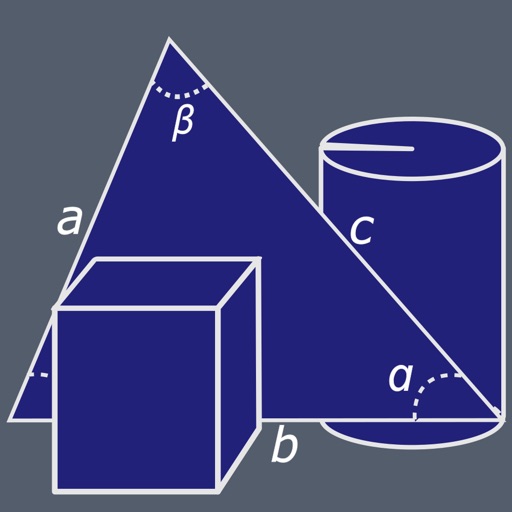
Calculate areas and volumes of various shapes including squares, rectangles, triangles, circles, and ellipses. Input dimensions to get formulas and results. View volume calculations for cubes, cylinders, cones, and spheres.
5 offers curriculum-aligned exercises based on US Common Core standards. Students practice arithmetic, fractions, and geometry. Activities include problem-solving with a scratch pad for handwritten calculations.
Create art with customizable colors, brush sizes, and opacity. Import photos from camera or library. Save and share designs via social media, email, or SMS. Clear canvas for new creations.
The app combines geometric shapes with text and equation editing. Drawing data can be transferred for collaboration and backup, and drawings can be shared on social media.
The app simulates a virtual geoboard for exploring geometry concepts. Students draw shapes on a pegboard, receiving feedback on length, perimeter, and area.