Edit photos with AI-powered enhancement, restoration, and colorization. Remove unwanted backgrounds and repair scratched images. Save and share edited photos in various formats.
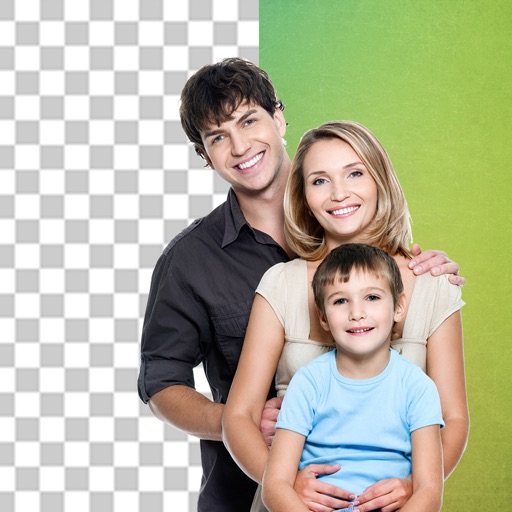
Edit photos by removing backgrounds and replacing them with custom colors. Erase unwanted objects with a single touch. Adjust and enhance images for sharing on social media.
Edit photos by selecting images from the library and using an adjustable brush tool to mark areas for removal. The employs inpainting algorithms to seamlessly eliminate unwanted elements and blend the background.
Edit photos by removing unwanted elements like , skin blemishes, buildings, and lines using AI technology. Crop images and videos with high quality. Eliminate dark spots and acne from faces or bodies. Adjust and enhance images for a polished look.
Remove unwanted objects from photos using AI-powered erasing tools. Mark or tap objects to delete them. Replace or remove backgrounds with new ones. Automatically cut out objects with a tap. Undo or redo changes.
Remove from images using AI-powered cutout. Select between "Star" mode for edge detection or "Auto" mode for pixel-based erasing. Save transparent images for use as stickers in other apps.
Edit photos with crop, rotate, exposure, color, sharpness, and resize tools. Create grid collages and edit individual images. Access presets, clone tool, and fine curve adjustments for detailed edits. Export and share edited photos directly.