Write mathematical expressions using inline LaTeX. Edit and format equations directly within the document. Preview rendered equations in real-time. Export documents in Markdown or PDF format.
by Furnace Creek Software LLC★ 4.723 ratingsEducationFreeData updated 2026-09-06
The app provides editing and typesetting for LaTeX, Plain TeX, and Markdown. It features syntax highlighting, command autocompletion, and a document structure view for easy navigation of large projects.
Edit text with a customizable extended keyboard featuring compact buttons for symbol input. Import and use custom fonts, including ligatures if supported by the font. Manage font settings and adjust display options for monospace fonts.
Create maps from text, slides, or documents using AI. Convert maps into slides, audio, or video. Use built-in templates for professional designs. Share as images or PDFs. Save maps, drawings, and ideas in the cloud.
Create and manage projects on iOS. Compile documents offline or online. Choose PdfLaTeX, XeLaTeX, or LuaLaTeX. Use BibTeX or Biber for citations. Sync files automatically with Dropbox.
Solve problems with step-by-step solutions. Input equations for automatic solving and animated explanations. Access over 1,000 sample problems. Use scientific and graphing calculators. Track progress and review detailed solutions.
AO allows viewing, editing, importing, and exporting PDF, Word, Excel, and PowerPoint files. It includes Writer for document creation and editing, Calc for spreadsheet calculations, and supports full OpenOffice features.
Organize and connect , files, and web pages across devices. Create mind maps to visualize relationships. Search for content using AI. Sync data automatically. Retrieve forgotten items through associations.
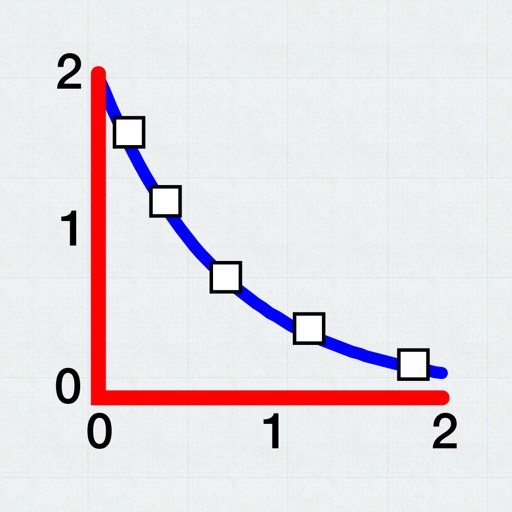
Allows users to plot and fit x, y data pairs. It supports curve fitting, value prediction, and kinetic data analysis. Data can be entered manually or imported from text or CSV files. Users can perform statistical analysis and generate graphs.
Outline creation and management with nested tags and customizable fonts. Import and export OPML and Markdown files. Sync and share via iCloud. Embed images and format text. Support drag and drop, links, notes, and backlinks.
Write and format using GitHub-flavored with inline code syntax highlighting. Organize into folders and tags. Export in multiple formats. Sync across devices. Search and filter by keywords.
Calculate and engineering parameters with 134 formulas. Input values to compute force, friction, acceleration, work, power, and more. Access definitions and formulas for each calculation. First 5 calculators are free; others require in- purchase.
With a single tap. Add digital signatures and stamps. Scan paper and convert photos into editable files. Support for PDF, DOC, XLS, and other formats. Share or print directly.