Mark and create sections in audio or video files. Jump to specific sections, play them back at different speeds, or loop them. Break down music, workouts, or recipes into reusable segments for later replay.
by Sushanth Rajasankar★ 5.01 ratingsMusicFreeData updated 2026-09-06
Helps users create tributes by guiding them through memory sharing and detail input. AI generates multiple tone-based versions. Users can edit drafts, organize content, and share tributes securely.
Claim by accessing updated . Participate in a music quiz where you identify songs from popular movies. Select the correct answer to test your knowledge.
Stream audio and video content to UPnP, Google Cast, and Apple AirPlay devices. Play DSD and FLAC files. Support TIDAL, Qobuz, and Bugs streaming. Enable gapless playback and send media from PC, NAS, or internet sources.
Audio for singing, speaking, or playing an instrument. Playback audio immediately after recording. Practice specific phrases or musical segments. Store audio files locally on the device. Repeat recordings for improvement.
Record with high-quality settings. Save and organize recordings in folders. Edit clips by trimming or splitting. Share files via email or cloud services. Set recording timers and alarms. Supports multiple formats and device storage.
Take photos of tires to assess tread wear, sidewall damage, cracks, scuffing, and uneven wear. Receive a 1–5 rating for quick evaluation. View detailed reports with structured sections on each inspected area.
Create and manage orders for small businesses. Add products by name to a list for quick selection. Customize items with size, quantity, and sections. Organize items into sections for efficient creation. Track details and adjust as needed.
Inspect pools using a comprehensive checklist based on international safety codes and manufacturer standards. Log findings, generate reports, and mark issues. Function offline and sync data across devices.
Adjust audio frequency response with a wide range of tonal adjustments. Apply classic British settings. Customize sound through flexible equalization controls. Access demo version with limited free play time.
Track progress by marking completed chapters. View percentage bars for overall, Old Testament, and New Testament progress. Save notes and favorite chapters. Select dates to review past progress.
Turn photos into musical instruments by applying sound effects and adjusting pitch. Play back the resulting audio. Share the created music with others. Collaborate with other users to create and modify musical pieces based on images.
Upload photos and audio files to generate animated videos. AI creates realistic movements like or singing. Save, favorite, and organize videos in a library. Share creations directly from the .
Adjust audio frequencies with precise equalization controls. Apply filters, adjust gain, and manage frequency bands. Save presets and load them quickly. Integrate with digital audio workstations for real-time processing.
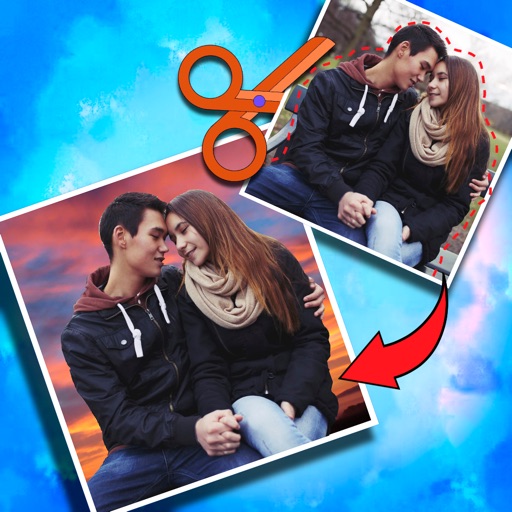
Crop photos and save individual cropped sections for later use. Combine cropped images with backgrounds or other photos to create new compositions. Apply filters to enhance the visual appearance of edited images.