Create and arrange melodies, bass lines, and drum beats by moving dots on the screen. Switch chords and patterns instantly. Apply delay and reverb effects to instruments. Tap or drag to build sequences. Sync with AirPlay for playback.
Apply effect to audio input by adjusting time, feedback, and filtering settings. Integrate as AUv3 plugin with host apps like GarageBand and Cubasis. Export processed audio files directly.
The app generates 3D computer graphics visualized by audio and music based on the Twelve-tone technique. It offers real-time calculation for animation and music, with users able to set the sequence of the Twelve-tone.
Create and manipulate audio using synthesis. Import WAV files, record audio, or live-process sound. Adjust parameters for texture, pitch, and timing. Export and share custom audio creations.
Simulate a Hammond Organ B3 with two manuals and a pedalboard. Adjust drawbars for upper and lower manuals and pedalboard. Use a physical modeling engine with 91 tonewheels. Apply rotary speaker effects and tube overdrive.
Create and manipulate audio with six distinct delay algorithms. Adjust modulation parameters for stereo effects or granular pitch-shifting. Apply filters, pan settings, and modulation types. Export processed audio files for use in projects.
The app is a matrix-controlled arpeggiator that allows users to play arpeggios with their thumbs. It offers control over pitchbend, tremolo, and vibrato using the iPad's accelerometer.
Create and customize synths with wave shape modulation and AUV3 support. Adjust envelopes, apply reverb and tremolo effects. Use a polyphonic keyboard with 5 octaves range. Connect MIDI keyboards via USB for velocity and pitch shift.
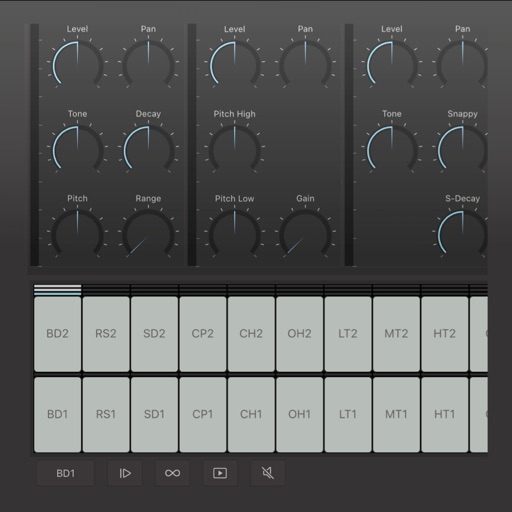
Create and edit drum patterns using 27 drum voices. Apply effects like delay, chorus, and reverb. Automate parameters and sequence 16-bar patterns. Save and load project files for later editing.