Create progressions using emoji-based harmony engine. Select chords and receive suggested next chords in your chosen style. Explore different musical styles and build sequences without theory knowledge. Export progressions and share directly.
Create and edit MIDI sequences with sequencing. Randomize notes, velocity, octave, and gate length. Add ratchets and glide effects. Set individual randomization values for steps using parameter-locking. Adjust and refine sequences step by step.
The app presents an 8-channel 16-step sequencer. Selecting a step triggers its movement to a new position, and additional buttons modify the grid for new creative processes.
Edit and manipulate sampled instruments with high polyphony support. Load and play wavetable samples efficiently. Adjust parameters for sound shaping. Export and integrate samples into music projects. Sync with DAWs for seamless workflow.
The app simulates vintage 80's computer and game console sounds using a monophonic synthesizer and a piano roll sequencer. Users can compose songs with up to four trucks and 128 voices, adjusting parameters with simple controls.
Create and play music using chord and melody controls. Switch between chords and melodies with one hand. Adjust key and chord progressions. Record and playback performances. Share created songs directly.
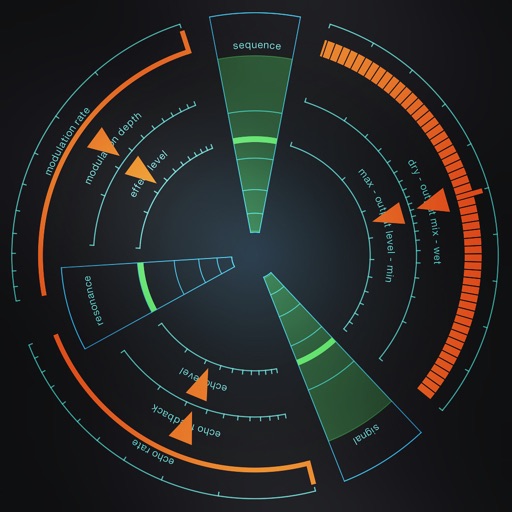
Process audio with up to four effects. Route audio from external devices or sound files. Connect to iOS drum machines or synthesizers via Inter- Audio or Audiobus. Adjust effect parameters for sound shaping.
Create and explore drum sounds using algorithms. Generate unique sets of 12 drums with 8-character codes. Save, copy, or paste codes for later use. Access sounds via AUv3 and Audiobus.