Set home and lock screen with wallpapers. Choose from HD, 4K, and backgrounds inspired by popular genres. Customize wallpapers to match preferred styles and moods. Apply wallpapers directly to device screens.
Create cracked or glitched wallpapers using 32 preset effects. Import images from the album to customize designs. Apply wallpapers as lock screens or share them to friends.
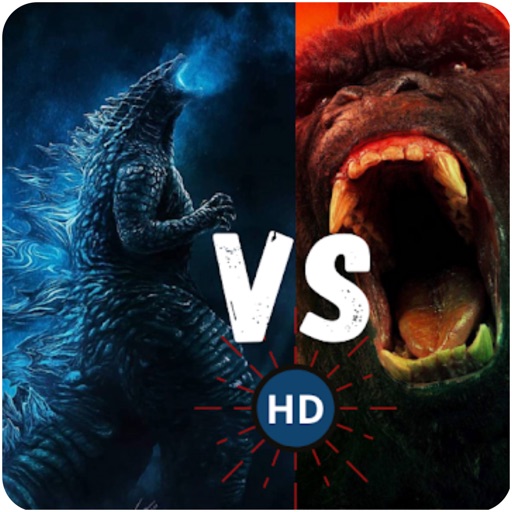
View and save high-resolution featuring and in battle scenes. Learn about origins through educational content. Access illustration ideas for content creation. Apply selected images as device . Play puzzle games based on the monster showdown.
Customize device appearance with icons, , wallpapers, and widgets. Generate AI-designed visuals for iOS 18 personalization. Apply styles to apps like social media, streaming services, and calendars.
View and apply high-resolution HD and 4K to lock and home screens. Explore exclusive matching new device screen shapes. Access unlimited high-quality wallpaper variations anytime.
Create and customize live with liquid glass effects and depth features. Shuffle through in shuffle mode. Choose for different focus modes. Sync with iOS updates for exclusive content.
Customize device background or lock screen with user-uploaded photos or selected . Choose from solid colors, patterns, and categorized images. Crop and resize to fit screen dimensions. Set as default or save for later use.
Browse and search for custom to personalize home and lock screens. Set backgrounds with animation or motion effects. Subscribe for unlimited access and remove ads. Renew subscription automatically unless disabled in advance.
Set custom and backgrounds with high-quality images. Choose from city, nature, animal, and building themes. Edit favorites, apply filters, and save to camera roll. Supports all iPhone and iPad models in portrait and landscape orientations.
Apply 3D wallpapers and static backgrounds to customize lock and home screens. Download wallpapers with one click. Choose from HD, 4K, and 3D effects. Set dynamic backgrounds that move or change with device motion.
Browse and download high-quality . Filter by categories like nature, cityscapes, and abstract. Receive a new wallpaper daily. Organize and set directly from the . Sync with iPhone settings. No additional apps required.
Set device and with time-lapse sceneries, pet photos, and abstract patterns. Add animations to lock screen. Choose from curated collections and apply directly to home screen or lock screen.
Customize your iPhone with 4K and from categories like anime, nature, and tech. Set daily updates for new backgrounds. Apply dynamic AI-generated designs as .
HD Wallpapers lets users browse and set high-resolution images as device backgrounds. Categories include nature, abstract art, and more. Users can customize their home screen with curated visuals. Wallpapers can be applied directly from the .