The app provides access to over 500 special characters, including Greek letters, math symbols, and fractions. It offers a light and dark theme with integrated arrow keys for cursor placement.
Create custom keyboards with personalized backgrounds, fonts, and key sounds. Use 1000+ free emojis and emoticons for typing. Add fantasy stickers like Peanuts and Shrek to messages.
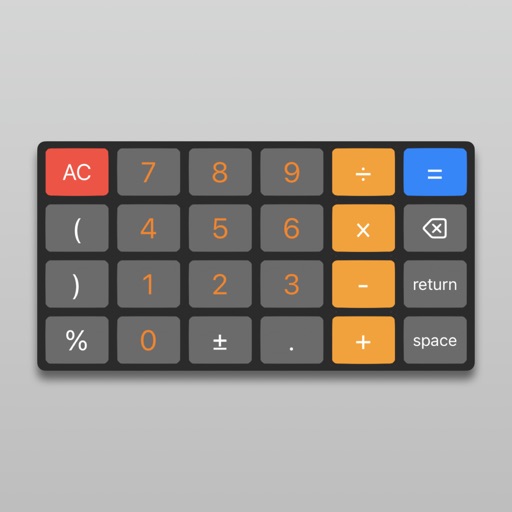
Calculate mathematical expressions with infix notation, view full equations as they are typed. Customize themes to match personal style. Access via lock screen widgets. Use one-handed keyboard for larger devices.
The app connects to various servers and offers Git operations with a visual merge tool and branch history. It provides live editing, a built-in terminal, and syntax highlighting for numerous languages.
Type with AI-powered suggestions for faster messaging. Use custom stickers and emojis to personalize communication. Set privacy controls for message encryption. Create and edit with AI-generated responses for messages, resumes, and emails.
Learn to type on iPad, iPhone, or iPod Touch with structured lessons. Practice with free tests and sample lessons. Unlock full content with a one-time in- purchase. Track progress and improve speed through advanced lessons.
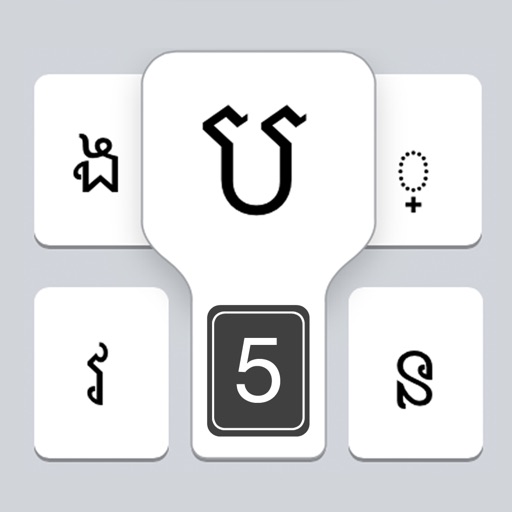
The app provides a fast and beautiful Khmer keyboard for iOS. It includes character preview, a 5-row layout, and full Khmer character support for easier typing.
Allows users to create custom layouts with phrases, text shortcuts, and text expansions. It includes a & clipboard and AI-powered features for rewriting, translating, and transforming text.
ChatApp.AI allows users to with an AI for instant responses and conversations. It supports generating essays, solving problems, and creating visuals. Users can ask questions, write content, and get assistance without signing up.
The app provides easy access to over 500 special characters, including Greek letters, math symbols, and pictographs. It offers document sync, a dark theme, word count, and multiple export options for iPad users.
Adds custom text snippets as buttons on the keyboard. Users can create snippets for frequently used text like email addresses, signatures, or messages. Snippets can include emojis, dates, or locations. Tap a button to insert the snippet instantly.