Manage student participation by creating groups and randomly selecting students. Exclude specific students from selection. Display all names before repeating any. Track selection order to ensure varied participation.
The app allows a device to wake, sleep, or shut down a computer over a network. It finds computers on the local network and supports multiple computers and groups.
Allows users to display web pages, documents, or media files. Content can be hosted online or stored locally. It includes a screensaver loop, scheduled availability, and remote file updates from a server or Dropbox account.
Manage data with secure tools. Add, edit, and organize information. Sync with self-hosted MySQL server across multiple devices. Group customers, track birthdays, and manage vouchers. Send newsletters and import data. Comply with EU-GDPR regulations.
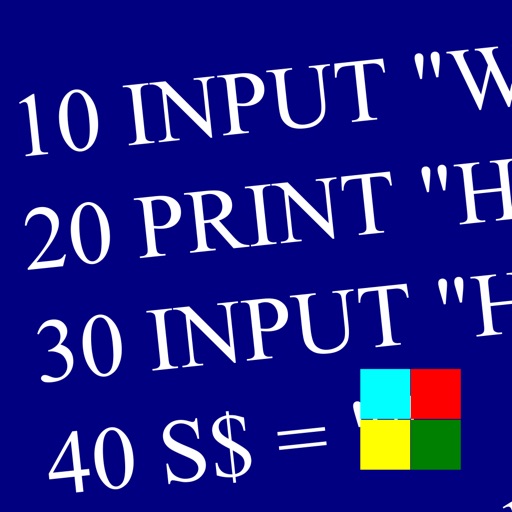
Learn and program language on iOS devices. Enter and run code, use built-in functions, and access help documentation. Save and load programs. Simulate Commodore 64 environment for educational use.
Turn iPhone into a storage device for managing local and files. Access Google Drive, Dropbox, OneDrive, and iCloud for synchronization. Transfer files wirelessly via Wi-Fi and share them directly.
Print documents and photos directly to most WiFi/Wireless printers without additional software. Print remotely over mobile data. View and store emails, PDFs, files, photos, and web pages. Print from Mac or PC.
Files from anywhere without a VPN. Collaborate on Office 365 documents. Use two-factor security for data . Connect to internal Windows Active Directory files. Keep data on your server. Control to corporate data.
Interactive of events with drag-and-drop editing and bulk import from Excel. Link people, issues, and facts to events. Add icons, colors, and tags for organization. Assign scenes to recall specific moments. Share wirelessly in court or remotely.
View and organize files on a zoomable surface. Preview and open documents directly. Navigate without multiple windows. Manage folders and search efficiently. Customize layout for better workflow.
Reduce PDF file sizes with customizable compression settings. Choose light, moderate, or strong options to balance quality and file size. Process files securely offline without internet connection. Save space while maintaining document clarity.