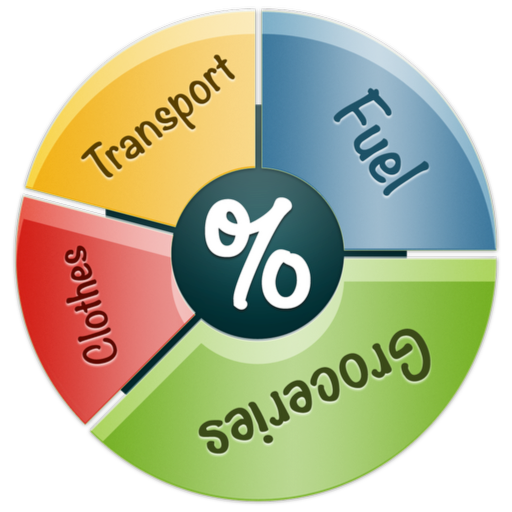
Track expenses with a simple and intuitive interface. Set budgets for weekly, monthly, or yearly periods. Log categories and view detailed reports to monitor financial habits and stay within budget limits.
Track expenses, receipts, budgets, and income using calendar, summary, or map views. Automatically download transactions from linked banks and Apple Card. Export all transactions for record-keeping. Set and monitor financial goals.
Track transactions and account balances for checking, savings, credit cards, and cash. Add transactions anywhere. View spending patterns and balances. Support multiple currencies. Sync with iCloud and Dropbox for backups.
Track expenses with automatic categorization and real-time updates. Set budget limits and receive alerts when nearing them. View monthly summaries and export data for accounting purposes. Sync across devices and add notes to transactions.
Track income and expenses with categorized entries. Set budgets and monitor spending. Sync data across devices. Secure data with passwords and backups. Manage multiple accounts and view financial summaries.
The app uses AI to analyze spending from scanned receipts, identifying spending spikes and duplicate subscriptions. It offers expense reports and a month-by-month category breakdown for users.
Track income and expenditures with calendar-based input. View balance and asset analysis. Set account details, types, and categories with custom icons and colors. Support landscape orientation on iPad. Enable iCloud backup for data synchronization.
Track income and expenses by category. View statistics in interactive charts and graphs. Compare income vs expenditure for specific months or years. Filter transactions by category over any time period.
The app helps users track spending habits and control money flow. It offers features to log, track, and organize expenses with customizable options for categories, payment modes, and reporting.
Track expenses and categorize them for budgeting or tax purposes. Scan receipts, log distance, or enter amounts manually. Reimburse employees, manage corporate cards, send invoices, pay bills, and book . Communicate via chat within the .
Track and record automatically with real-time logging and manual entry options. Calculate tax deductions and reimbursements based on predefined rates. Generate IRS-compliant reports and export data in multiple formats.
Track expenses, manage budgets, and record transactions
Track daily finances by recording transactions and scheduling payments. Capture photo receipts for expense tracking. Reconcile , generate reports, export data, and print statements. Transfer funds between and view detailed financial summaries.
Track expenses by date, merchant, category, and total. Sort expenses by date, merchant, and total. Export data in CSV format. Upload receipts as PDF or images. Search expenses by description and total.
The app records expenses and provides a running total for each log. It offers easy mileage tracking with multiple options, including GPS and automatic tracking.