Measure objects with a camera ruler mode that uses your phone's camera for distance calculations. Switch between inches and centimeters. Adjust measurements with precision sliders. Access a classic ruler and tape measure for manual measurements.
Explore a 3D human body model with detailed information on 264 acupoints. View location, source, treatment, and operation methods. Access text content matching Dr. Ching-Chang's 1973 textbook. Add custom notes and save favorites for quick reference.
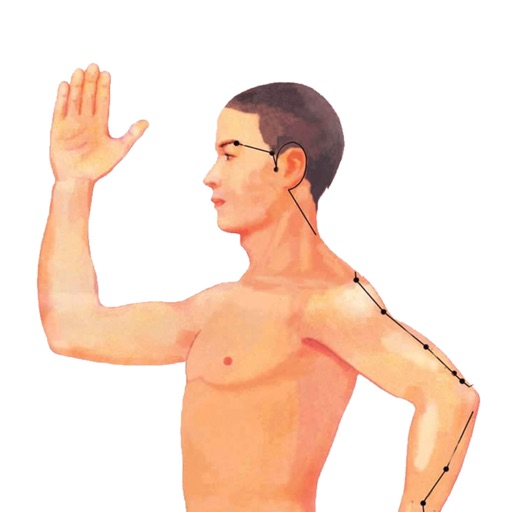
The app provides detailed information on 408 acupoints, including phonetic spelling, positioning, and anatomical principles. It displays meridian directions, seasonal hours, and supports animated meridian channel images.
Measure distances to objects using the lens. Display distance on the image with a 3D grid overlay. Aim at objects to determine their height or depth. Use for measuring boats, buildings, or golf aids.
Distances using Augmented Reality. Tap to place markers and calculate lengths. Undo measurements. Choose different colors for markers. Take screenshots. Switch between metric and imperial units.
Provides access to traditional acupuncture point bundles for specific diseases. Users can view 3D representations of acupuncture points, select for treatment, and use them for educational or therapeutic purposes.
Distances and angles using augmented reality and on-screen rulers. Tap to mark points and calculate lengths. Export measurements as text or image. Sync with other devices for collaborative projects.
Track progress, set reminders, view education materials
Track exercises, set reminders, and monitor progress. Access 3D models, instructional videos, and clinician notes. Sync programs using an access code from a provider. View educational materials and follow guided sessions.
Measure real-world objects using augmented reality. Tap to start measurements, switch between length and area modes. Unlock unlimited measurements and remove ads with a subscription. Sync results across devices.
Use to place links, social profiles, contact info, videos, 3D models, audio, or images in real-world locations. View digital content in real size within your space. Share augmented content for others to explore using the camera.
Room dimensions using augmented reality. Tap to mark points and view real-time 3D measurements for width, length, height, and distance. Export measurements and save data for future reference.