Edit photos with filters, frames, and collage templates. Add effects and select from various photo types. Create collages by choosing images and applying pre-designed layouts. Export and share the final edited photo.
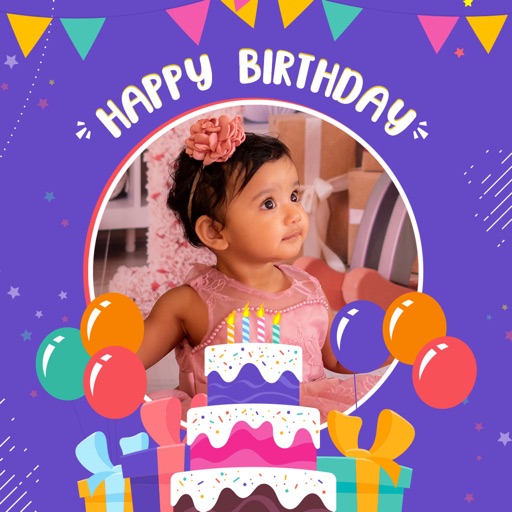
The app allows users to select photos from their gallery or camera and apply various birthday-themed frames. Users can then share their creations via social networks or save them to their iOS device.
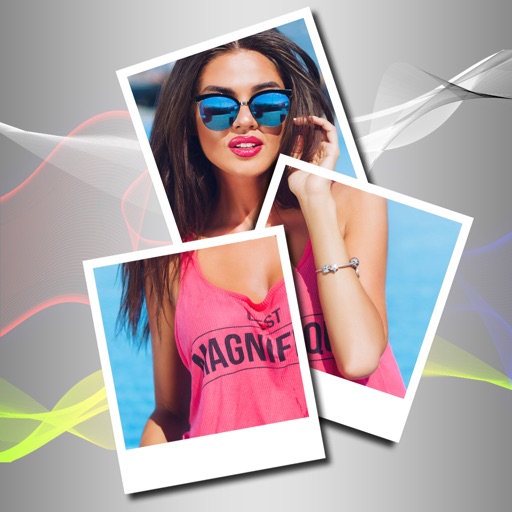
Create collages by combining multiple photos. Add romantic and text. Share collages via social media or messaging. Customize layouts and edit images within the .
The app displays photos with various effects and transitions. Users can choose between random or ordered photo display and select transition durations and types.
By selecting photos from the gallery or camera. Choose from various and adjust photos with zoom, rotate, and move features. Send customized greeting to friends and family.
The app allows users to enhance photos with frames, effects, and text. Users can capture new photos or select existing ones from their gallery to integrate with chosen frames.
The app adds frames or borders to photos, making them square and compatible with Instagram. Users can zoom out or in and choose any color for the photo frame, preventing the need to crop images.
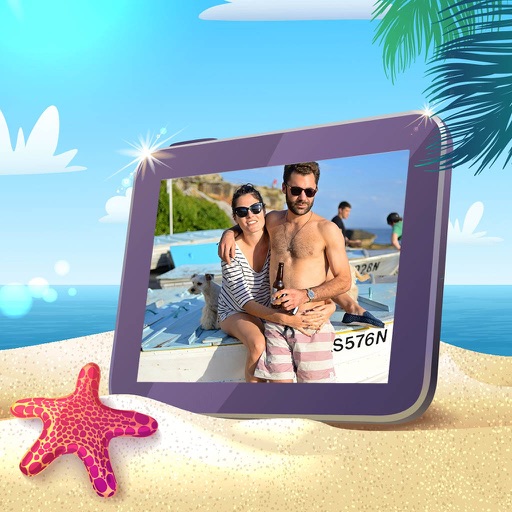
Apply -themed to images from the gallery or camera. Adjust frame size and position by rotating, scaling, zooming, or dragging. Choose from fifteen in various shapes and colors. Save edited photos to the device.