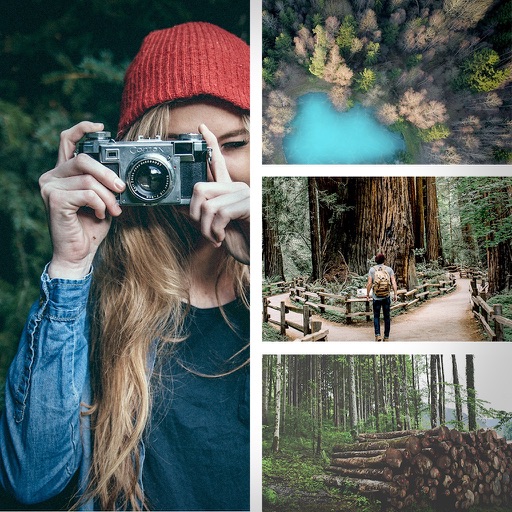
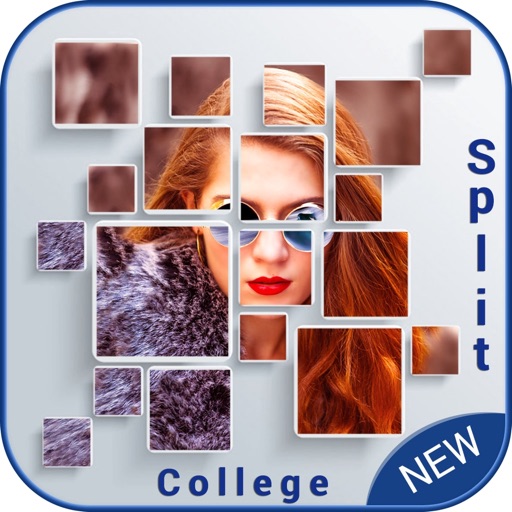
Create collages by selecting multiple photos and choosing from various layouts. Apply filters, add stickers, and include text to edit the . Generate 3D collages with different frames for a realistic 3D effect. Share the final directly.
Create photo collages by arranging images in a grid layout. Choose the number of photos per page and add borders. Export the collage as a PDF for printing or email. Ideal for classroom use or quick multi-image printing.
The app allows users to place faces into over 200 provided images or add 216 additional images to existing photos. Users can adjust placement, color, brightness, and hue, and add captions and frames.
Create a photo list from your library or camera, sorted by date. Tap a photo to open a map and navigate to its location. Swipe left to remove photos. Add new photos by tapping the '+' button.