Read and manage from PDF, image, text, and MIDI files. Import scores via camera, photos, or files. Organize by title, artist, and setlist. View scores in horizontal, vertical, or two-page modes. Annotate with pen, text, shapes, and stamps.
Edit by splicing, mixing, and cutting. Record with wired or wireless earphones. Adjust playback speed from 0.2 to 4 times. Balance left and right channels. Export edited files.
Manage songs and setlists with unlimited storage and tagging. Create or import songs from the web. Organize lyrics, chords, and notes. Edit songs with transposing, autoscrolling, and Bluetooth pedal control.
Add tube color to audio signals with a custom distortion effect. Adjust gain, frequency, and drive controls. Insert directly into tracks for real-time processing. Includes a -style interface with precise parameter tuning.
Create with a variety of professional sounds for EDM, trap, dubstep, drum-n-bass, rave, and more. Record beats in landscape or portrait mode. Export songs as audio files or MIDI tracks. Share via the feed or export individual tracks.
By slowing down without pitch change. Loop sections for focused . Isolate vocals, drums, and instruments using AI. Record own . Control playback with Bluetooth foot pedal. Import songs or use Apple . Adjust speed, pitch, and BPM during .
Play musical notes using a MIDI keyboard and pedal connected to iOS or macOS. Access a subset of the 2 pipe organ samples by Joseph Basquin. Adjust settings via the Napo documentation and user manual.
The app controls guitar effects, keyboard presets, and music sheets wirelessly. It provides a stage-ready controller for iPhone and iPad apps that support CoreMIDI.
Plugin emulates overdrive pedals with customizable tube preamp circuits. Users can adjust gain, tone, and output levels. Apply distortion effects to audio tracks. Save and recall preset configurations.
Play melodies by plucking individual strings. Adjust tuning and volume. Save and share performances. Access historical information about the origins and evolution.
The app allows users to create music by layering looped recordings of singing, beatboxing, or instruments. It provides a sophisticated interface with powerful features for both beginners and experienced users.
Play drum and learn to play rock, Caribbean samba, and polka styles. Tap to create rhythms, adjust tempo, and select from free drum tracks. Save and share custom . Sync Apple Health to track practice sessions.
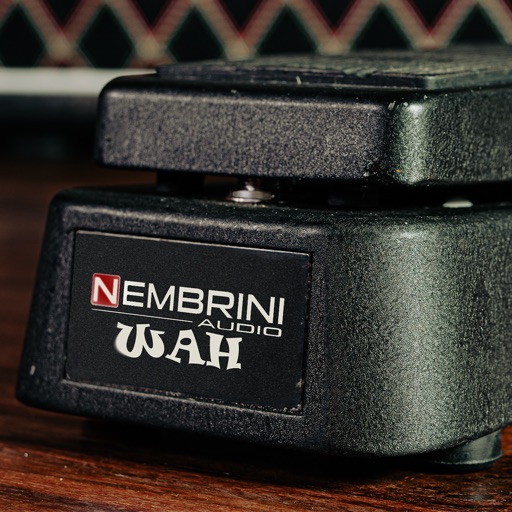
Adjust sound with Drive, Tone, and Level controls. Modify audio signals using a classic pedal model. Apply effects to guitar or audio inputs. Save and recall preset configurations. Export processed audio files.
Play with customizable key labels and sustain pedal. Record performances and use custom sound fonts. Support inter- audio and EXS24 instruments. Launch instantly with home screen widget. Track pitch for vocalists and compose on the go.