Generate strong passwords with customizable character types including lowercase, uppercase, digits, and symbols. Automatically copy generated passwords for quick use. View color-coded character distribution for clarity.
Create custom fonts by drawing letters with handwriting. Choose animation colors and brush settings. Support multiple languages. Switch styles and themes. Use fonts in messaging apps like WhatsApp and iMessage.
The app displays the time with 140 style options, including 28 color themes and 5 color fonts. It offers 12 or 24-hour modes, portrait and landscape viewing, and customizable clock styles and status settings.
By tracing individual letters, full alphabets, or complete words. Customize fonts and lettering styles. Use templates for hand lettering and writing. Export traced work for further use.
Add and choose from over 80 fonts to customize appearance. Adjust typography style and layout. Share edited images to social media or save to library. Create -based posters with or without background images.
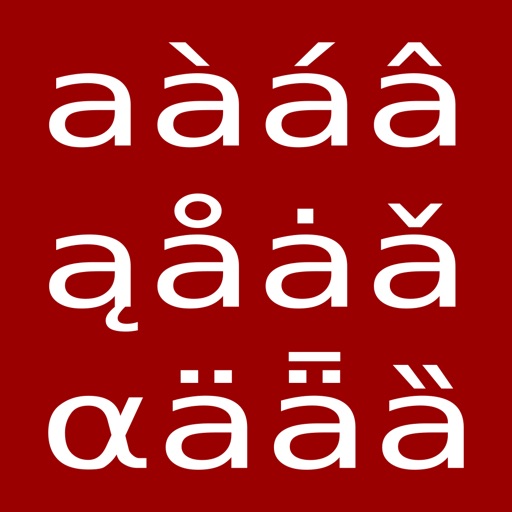
Access characters and symbols not available on standard iOS keyboards. Search and select characters by category or keyword. Type special symbols directly or copy them for use elsewhere. Customize layout for quick access to frequently used characters.
Type messages using 50+ fonts and send GIFs, emojis, and text via iMessage. Customize themes and replace full messages with abbreviations. Send messages directly from Apple after installing the .