Browse and manage digital musical scores. View, search, and organize sheet . Add custom notes and annotations. Sync across devices. Share scores with others. Play back and transpose . Highlight and bookmark favorite sections.
Play music with streaming, downloading from cloud services, and local files. Adjust and sound quality using a 10-band equalizer with presets. Access iTunes library directly. Organize and manage music files from multiple cloud storage options.
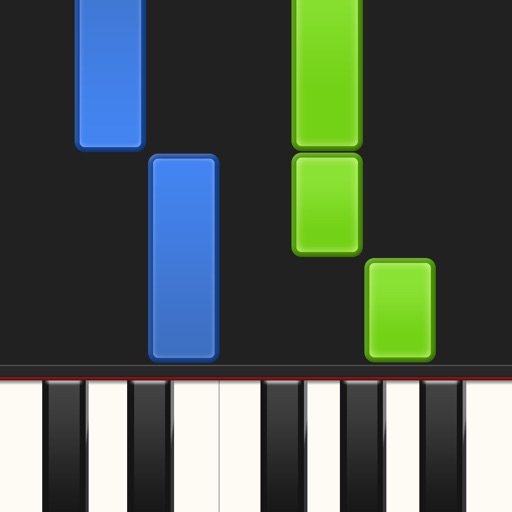
Learn piano by playing falling notes on touchscreen or connected keyboard. Practice melodies with real-time note feedback. Play left or right hand separately. Sync with lighted keyboards. View sheet music or falling note blocks.
View and play with page turning and playback. Annotate, organize, and import scores. Scan with a camera-based scanner. Access built-in scores and adjust key signatures. Sync with devices and share annotations.
Create and edit sheet and guitar tabs using touch piano, guitar fretboard, or drum pads. Play back compositions with over 90 instruments. Share directly or export as PDF. Sync with web version for editing on multiple devices.
Manage with folders, subfolders, and custom colors. Create personalized score covers for quick browsing. Use smart folders that auto-organize by composer. Edit scores, annotate pages, and share files directly.
Access from your device, iCloud Library, or Plex server. Apply filters and sort your library in various ways. Use a 7-band equalizer. Enable CarPlay support. Download for offline playback with a paid subscription.
Scan to listen to the notes in real time. Upload or capture printed and hear it played back in various instrument formats. Choose different playback options and adjust tempo or pitch as needed. Sync with devices to access offline.
Files between iPhone, iPad, and computer via Wi-Fi using an embedded server. Access files through a web browser on nearby devices. Share files directly between devices without needing additional software.
By slowing down without pitch change. Loop sections for focused . Isolate vocals, drums, and instruments using AI. Record own . Control playback with Bluetooth foot pedal. Import songs or use Apple . Adjust speed, pitch, and BPM during .
Play music, customize playlists, and control playback
Play music files in multiple formats including , APE, and MP3. Customize 3D and normal sound effects. Queue and manage sound effects. View and control lyrics. Share custom sound effects. Control playback with a customizable interface.
The app is a music player with equalizer and bass booster features. It offers sound customization and access to local and cloud music libraries for an optimized listening experience.
Manage files with drag-and-drop, copy, paste, and folder creation. View documents, play audio/video, and edit text. Transfer files between devices and share via links or messages.
Read and scroll through PDF with autoscroll functionality. Navigate between pages and scores without manual . Supports orchestras, bands, and individual musicians for hands-free performance. Import and view PDF files directly.
Navigate PDFs using facial gestures to flip pages without hand movement. Make notes and highlights directly on sheet music or documents. Syncs with Apple Pencil for annotation and markup.