Detects pipe chanter notes and drones using built-in or external microphone. Displays note, frequency, and pitch position. Includes digital and analog meters, waveform input monitor, and auto gain control.
Analyze audio with and views. Display up to three seconds of audio data. Scroll and zoom to review audio history. Switch between stereo and mono modes. Overlay or view and separately. Identify frequencies and MIDI notes with frequency trigger mode.
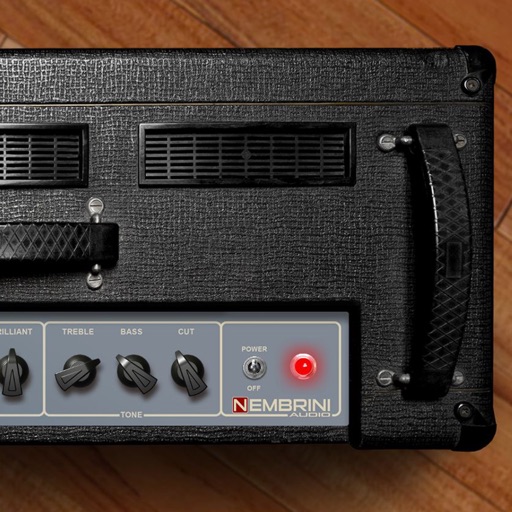
Adjust audio frequency response with a wide range of tonal adjustments. Apply classic British settings. Customize sound through flexible equalization controls. Access demo version with limited free play time.
Play using physical modeling technology that generates real-time sound based on user input. Adjust bow pressure, position, and velocity for expressive performance. Use the Room Simulator "Ambiente" to create immersive acoustic environments.
Create chord progressions using a . Explore over 40 scales with visual representation. View chords within selected scales and compare or borrow chords between scales. Adjust key settings and generate scale-based chord sequences.