Apps Like Flowers Photo Frames & Editor for iPhone and iPad
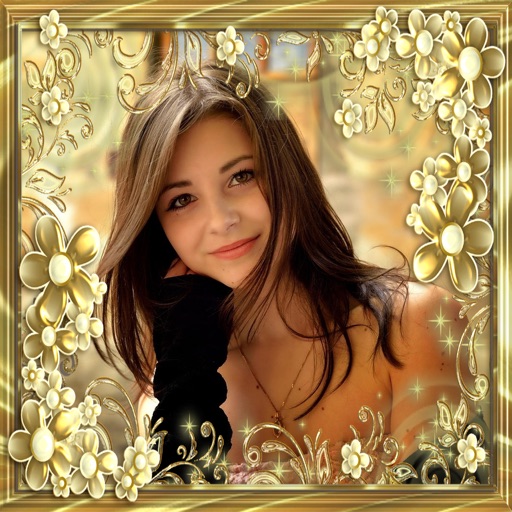
Frame photos with flower borders
Add flower and borders to photos. Edit images with cropping and brightness adjustments. Share edited photos with friends and family. Save and view edited images in the .
by Deepak Jalwa★ 4.521 ratingsPhoto & VideoFreeData updated 2026-09-06
Create collages with single or multiple photos, up to 14 images. Add , backgrounds, and drawings. Share collages on Facebook, Instagram, Twitter, WhatsApp, and other platforms. Edit photos with basic tools and apply templates.
Add a to enhance images with dozens of beautiful and backgrounds. Choose from various background colors and filters. Adjust contrast, brightness, color temperature, sharpening, saturation, and color balance. Add text watermarks to photos.
Apply to images and adjust positioning. Resize, rotate, and move photos freely. Save edited images directly to the gallery. No internet connection is required. Offers multiple frame options for creative customization.
Add frames to photos from gallery, camera, or Facebook. Choose from various categories and themes. Discover new frames daily from user submissions. Save favorite frames for quick access. Unlock additional frames for use.
Create collages with customizable Polaroid, SCRL-style scroll, and grid layouts. Choose from modern, vintage, minimal, and film-style . Adjust colors, borders, and text. Export with transparent backgrounds and share directly.
Edit photos with text layers, borders, matting, rounded corners, 3D bevels, and shadows. Adjust cropping ratios and apply internal and external shadows. Share edited photos directly to social media.
Create by adding photos or to customizable frames. Adjust images with zoom, rotation, and movement. Choose background music or mute the video. Share finished with friends and family.
Edit photos with customizable Day . Select images from gallery or camera. Apply effects for enhanced visuals. Share via Facebook, Instagram, WhatsApp. Save high-resolution images.
Edit photos with holiday and add messages. Frame images with Christmas and New decorations. Share edited photos directly. Create collages and albums with customizable designs.
Edit photos with color filters, light effects, and frame borders. Apply effects like Instafit and Orton. Add film grain and adjust contrast, brightness, and saturation. Include text with 30+ fonts. Share edited images to social networks.
Edit photos and videos with vintage and retro styles using curated presets. Apply filters to adjust color, contrast, and tone. Use templates for minimal, paper, film, or polaroid effects. Export edited content in various formats and share directly.
Take photos or choose existing images. Adjust and crop the photo. Add holiday-themed objects like hats, trees, and glasses. Apply Christmas-themed effects and frames. Share the edited photo on Facebook, Twitter, or via email.
Edit photos with cropping, lighting adjustments, color correction, and professional filters. Design greeting cards and collages with customizable frames and layouts. Add personalized messages, stickers, and text to create unique invitations.
Create collages using over 50 templates. Customize layouts, add text, and include photos or videos. images with filters, cropping, and manual adjustments. Shoot photos with manual camera controls. Export and share edited content in various formats.
Add to images with various design options. Edit and enhance photos with built-in filters. Share edited photos directly to social media or messaging apps. Save and organize framed photos in a gallery.
Take selfies with pip effects and apply filters like sepia and vintage. Create collages and edit photos with various effects and frames. Select images or capture new ones and enhance them with pip features. Share edited photos directly.