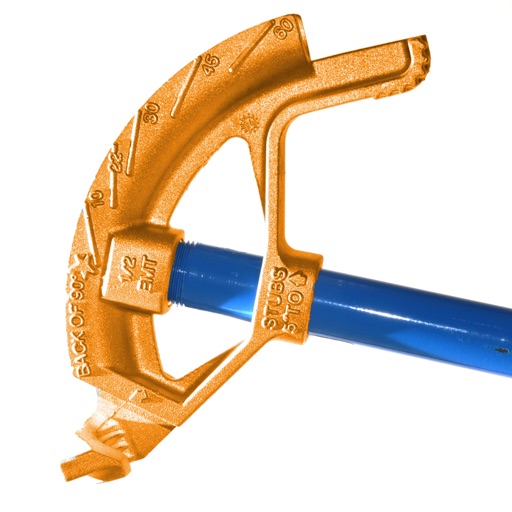
Calculate conduit bends with precise measurements and angle calculations. Input pipe dimensions and tool specifications. Generate bending templates and visualize the layout. Export data for use in projects.
Test your typing speed by entering numbers in sequence. Tap to control the and track progress. Improve focus and brain activity through daily practice. Share scores and compete with others.
Track work hours with a stopwatch or manual input. Set repeating alarms every 20, 30, 60, or 90 minutes. Log entries anytime and anywhere. View records and manage projects with a minimalist interface.
Create drawings using 14 brushes like glow, rainbow, crayon, and oil. Randomly select brushes and colors for each stroke. Import photos from device albums to on. Record drawings as video clips to share with others.
Track and set blockers to limit distractions. Use customizable focus timers for structured work sessions. Set daily goals and receive notifications to stay on task. Sync across devices to maintain consistency.
The app provides live broadcasts and allows users to follow selected programs. It offers catch-up viewing for missed episodes of selected shows, focusing on positive broadcasting and viewer education.
Access Qbanks for Pre-PA, Didactic, Rotation, PANCE, and PANRE/PANRE-LA exams. Create practice sets, answer questions, and review assessments. View exam results and track progress. Sync with PANCE/PANRE Review Course materials.
Teaches children 2-6 years old to recognize animals, fruits, instruments, shapes, and vehicles through matching games. Includes 300 objects for memory and cognitive development. Features interactive gameplay and customizable difficulty levels.
Create to-do lists and manage tasks with sliding gestures to complete, hide, or add to today’s tasks. Set reminders and organize goals with systematic planning features. Track progress and refine execution through structured task management.
Mode helps users concentrate by displaying a moving figure on the . The figure disappears if the user checks social media or plays games, ending the session. Users can set and track time intervals for tasks like studying or working.
Use your iPhone to control on a Mac. Change slides in Keynote or PowerPoint. Draw remotely with color and tool options. Clear the screen by swiping left. Access flashlight by swiping right. Repeat last drawing action. Enable typing.