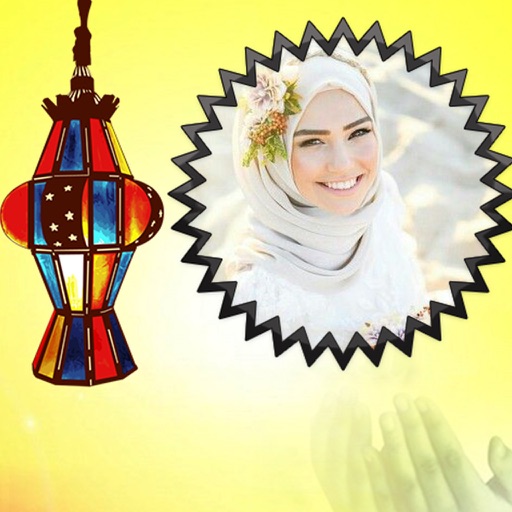
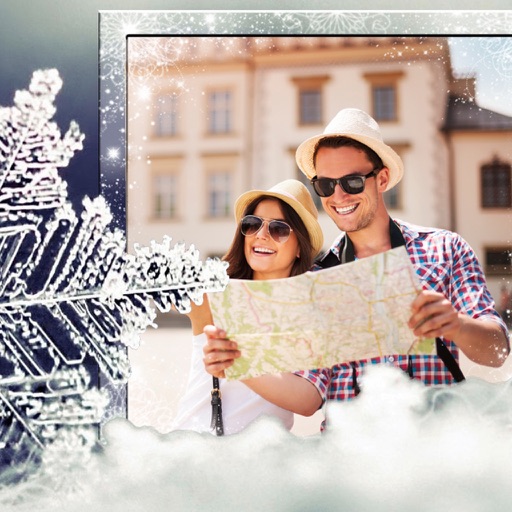
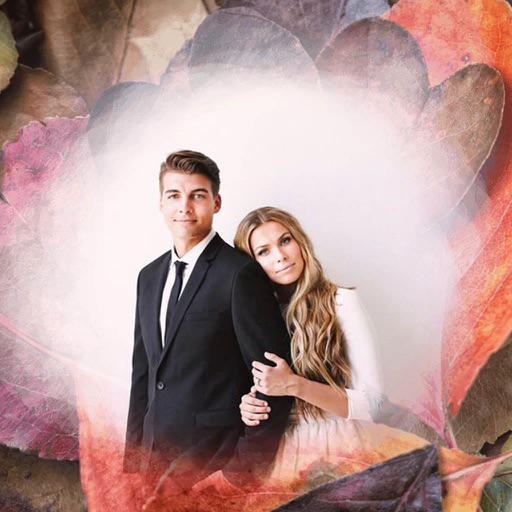
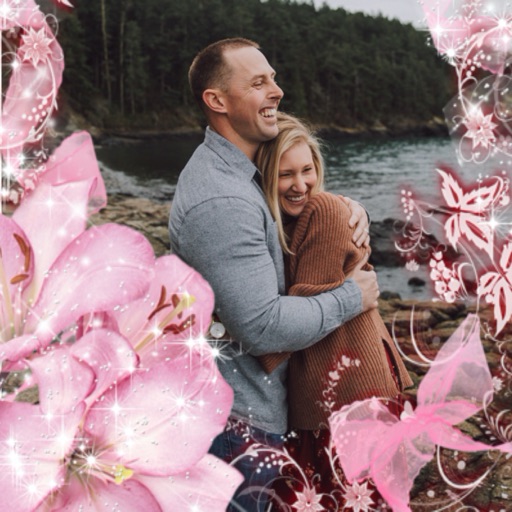
Apply -themed to images from the gallery or camera. Adjust frame size and position by rotating, scaling, zooming, or dragging. Choose from fifteen in various shapes and colors. Save edited photos to the device.
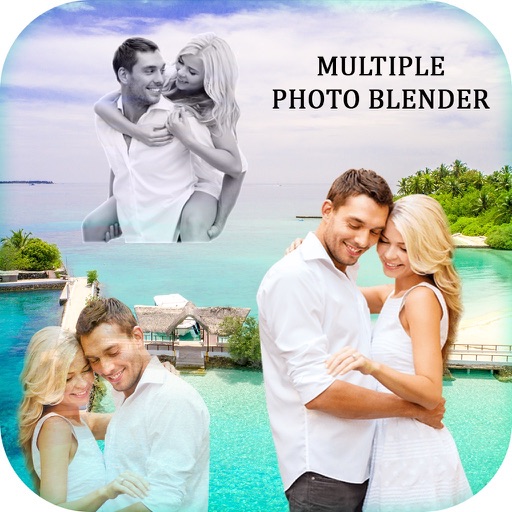
Edit photos by blending images from gallery or camera. Apply to merge pictures creatively. Adjust opacity and positioning for custom blends. Save and share edited photos directly.
Edit photos with multiple props, frames, and effects. Apply presets and overlays. Capture photos in portrait, landscape, or square orientation. Share images directly to social media. Supports iPad, iPhone, and iPod Touch.
Edit photos with resizing, cropping, and options. Add text, polaroid frames, and stickers. Generate square, landscape, or portrait images for social platforms. Export and share edited photos directly.
Create glitch effects, animated photos, and trippy videos. Apply retro filters and edit frames manually. Generate NFTs for digital art projects. Export and share edited content directly.
Apply retro 80s filters to photos and videos. Adjust color, contrast, and grain for a vintage look. Add glitch effects and simulate low-resolution video. Share edited content directly to social media.
Edit photos by selecting from the gallery or capturing new ones. Apply various and effects. Adjust position, size, and angle. Save, share, or upload to social media platforms like Facebook, Twitter, and email.
Create photos and videos without cropping for social media. Adjust background with blur, patterns, gradients, and colors. Apply filters, effects, and add image stickers. Support various social media aspect ratios.
Edit photos by selecting frames in square or portrait format. Reposition, resize, and crop images within the . Customize appearance and apply filters. Preview final edits and save to photo library.
Select a or take a new one with the camera. Choose from over 30 colorful to decorate images. Apply different frame styles and designs. Save edited photos to the gallery and share them on social media.
Select a from the gallery or capture one with the camera. Apply various stylish and effects. Adjust position, size, and angle. Save, share, or upload the edited image to social media platforms.