The app allows users to combine photos and music to create slideshow videos. Users can choose and arrange photos, edit them, add transitions, select music, and then save or share the video.
The app provides event details including schedules, attendee information, and important documents. Users can engage with social feeds, share photos, and participate in polls, with offline access available.
Secure allows users to hide and lock private photos and videos. Hidden provides a separate space for sensitive media. AI-powered tools help organize photos by sorting albums, removing duplicates, and enhancing image quality.
Plan trips by creating and managing itineraries manually or via photos. Track expenses and coordinate activities. Find partners in public groups. Swipe to discover and join trips with detailed event information.
Receive photos and videos captured at events directly on your smartphone. Access your album using a unique code provided during the event. View content processed by AI technology. Share or keep photos and videos as you choose.
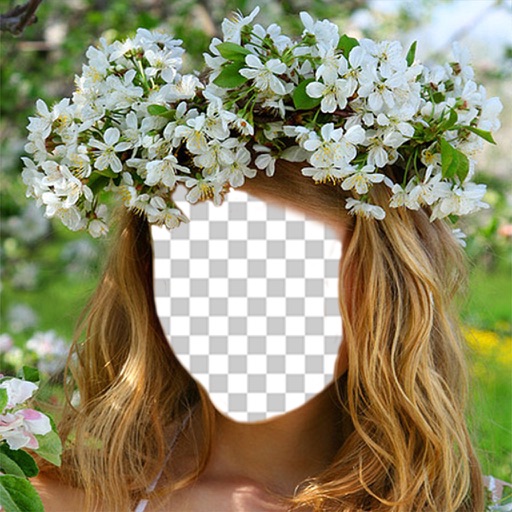
Faces allows users to overlay their on various funny images. Users can select from 12 categories and 300+ photos. They can take a selfie or upload an image and place their on the selected .
Convert images and selfies into - illustrations using AI. Choose from various artistic styles including classic and modern digital art. Adjust poses and facial expressions for personalized results. Export and share the generated artwork.
Create slideshows by selecting images from the photo library. Add music from Apple Music or the 's library. Apply filters and special effects to photos. Include text, emojis, and adjust length.
Capture moments, share instantly, co-create albums
Allows users to create shared photo albums by connecting nearby iPhones. Users can capture candid shots from multiple angles and compile them into a single live album.
Customize booths with layouts, text, backgrounds, stickers, and effects. Start with countdowns and instant previews. Share photos directly or download them later.