Apps Like iORA - Reaction Visualizer for iPhone and iPad
Visualize reactions in 3D with quantum simulations
View 3D models of chemical reactions based on quantum-mechanical simulations. Rotate, zoom, and dissect molecular structures. Annotate diagrams and save notes for later review. Share visualizations with classmates or instructors.
by Daniel Ess★ 5.012 ratingsEducationFreeData updated 2026-09-06
Explore interactive simulations for and engineering concepts. Practice experiments safely with instant feedback. Repeat tasks without real-world risks. Track progress and review mistakes. Share results with instructors.
Create and annotate tactical diagrams using a virtual whiteboard. Share notes and visuals with team members. Save and organize coaching strategies. Export content in multiple file formats. Collaborate in real-time during training sessions.
Questions and case studies for exam preparation. Review detailed explanations for answers. Track progress with performance reports. Access study guides and clinical scenarios for exam simulation.
Learn concepts through interactive lessons on gravitational fields, vibrations, waves, and electromagnetism. Explore molecular , thermodynamics, and semiconductor behavior. Practice math problems with step-by-step solutions and visual aids.
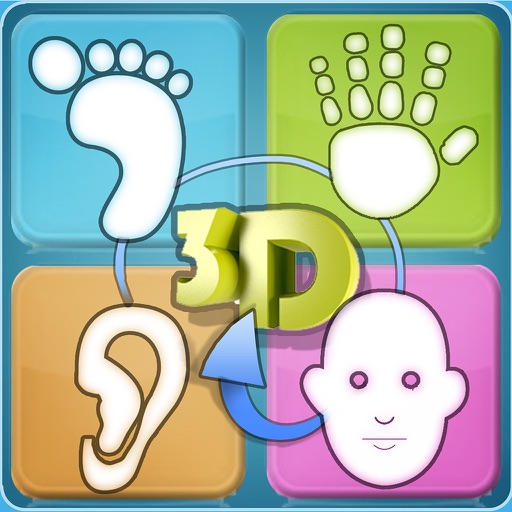
Explore reflexology zones on feet, hands, ears, and face using interactive 3D models and 2D illustrations. Zoom, pan, rotate, and touch 3D models. Search for zones by symptom or system. View detailed information and locate reflex points.
Explore mechanical energy conversion by pedaling to generate electrical energy. View sine wave outputs with adjustable period, frequency, amplitude, and phase difference.
Review homework problems with step-by-step explanations. Generate flashcards, quizzes, and study notes. Get writing assistance and access unlimited practice materials with a premium subscription.
Learn English pronunciations with interactive models
Learn English pronunciations through interactive visual models and expert-based phonetic explanations. Listen to native speaker recordings and view speech sound visualizations.
Add heart, lung, and bowel sounds to simulations. Pair with stethoscope for in-situ training. Create and manage scenarios for simulation-based learning. Record and playback sounds during practice.
Access course materials, view schedules, and submit assignments. Track grades and deadlines. Receive notifications and communicate with instructors and classmates through integrated messaging.